Scan Preparation
35
3
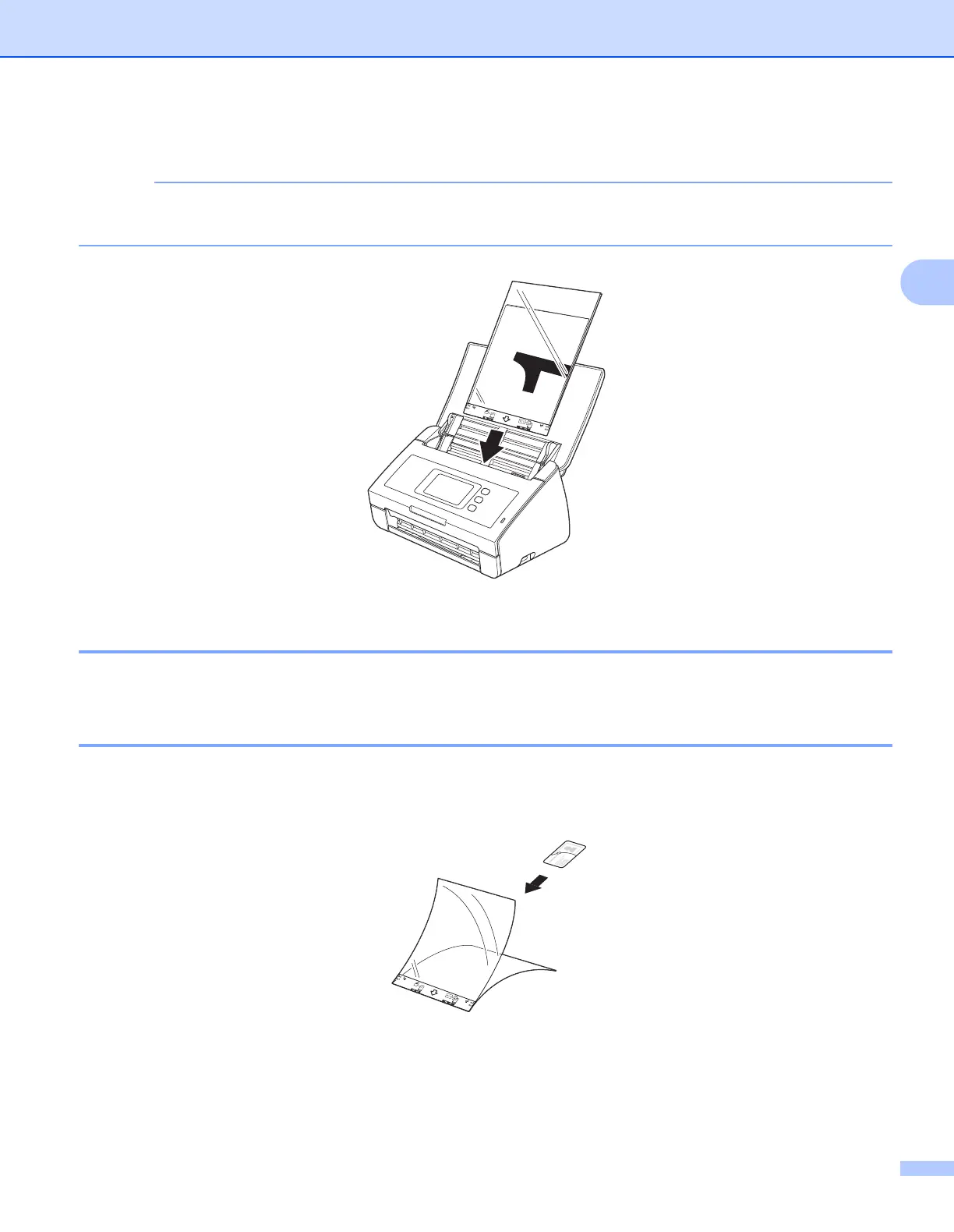
3 Place the Carrier Sheet in the ADF between the Guides until you feel it touch the inside of the machine.
To reduce the white space in the center of a scanned page, be sure to position the folded edge of the
original document close to the edge of the Carrier Sheet.
Documents with Facing Pages 3
Follow the steps of Documents not printed on standard-size paper on page 34.
Receipts, Clippings, Photos, and Other Documents 3
Make sure documents with ink or correction fluid are completely dry.
1 Insert the document into the Carrier Sheet.











 To Next Page