Scan Preparation
36
3
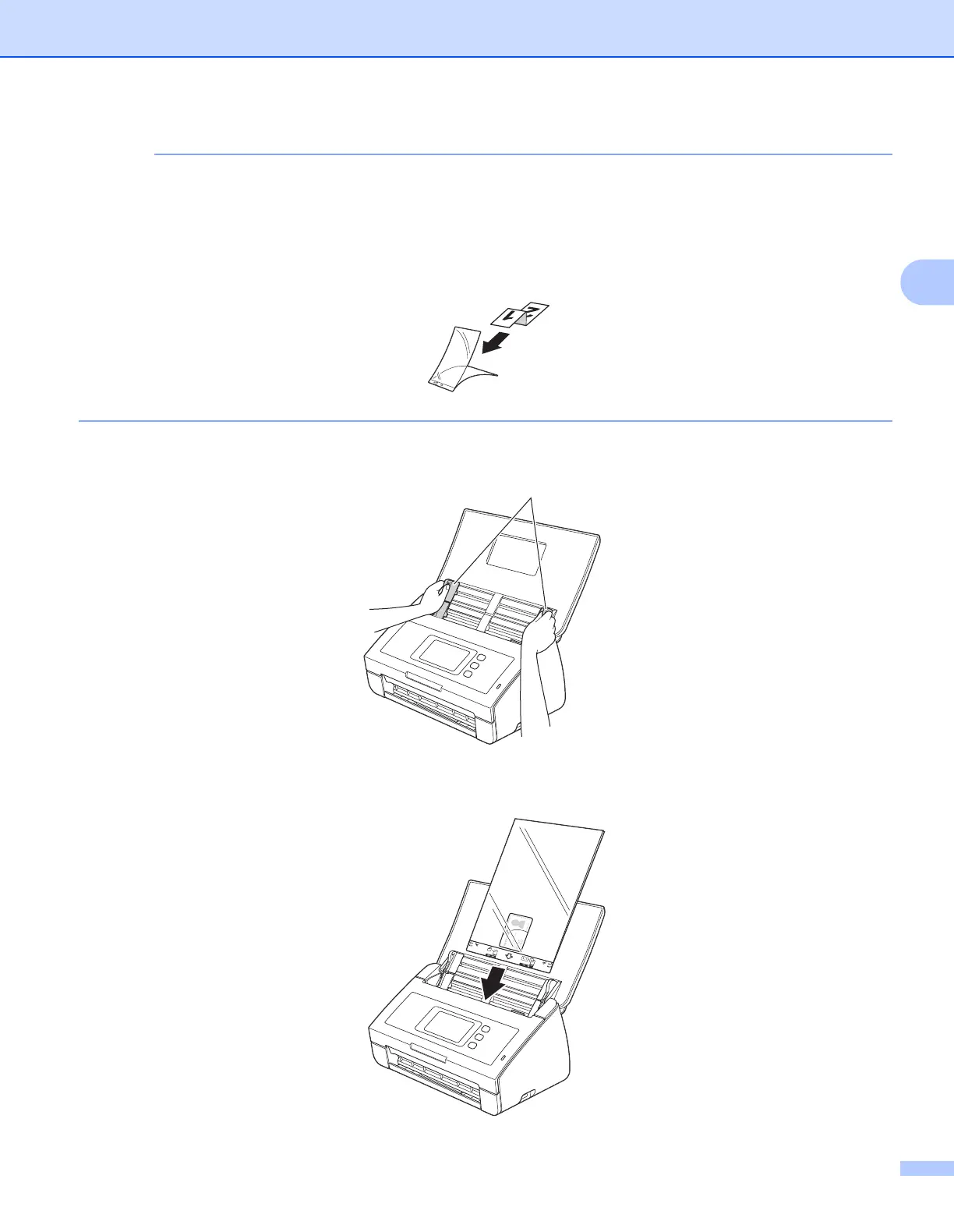
• Set the document in the center of the Carrier Sheet and align the top of the document with the top of the
Carrier Sheet.
• You can fold the receipt in two places so that it overlaps and then insert it into the Receipt Carrier Sheet
if the receipt is longer than the Receipt Carrier Sheet.
2 Adjust the Document Guides a to fit the width of the Carrier Sheet.
3 Place the Carrier Sheet in the ADF between the Guides until you feel it touch the inside of the machine.
a











 To Next Page