General Information
7
1
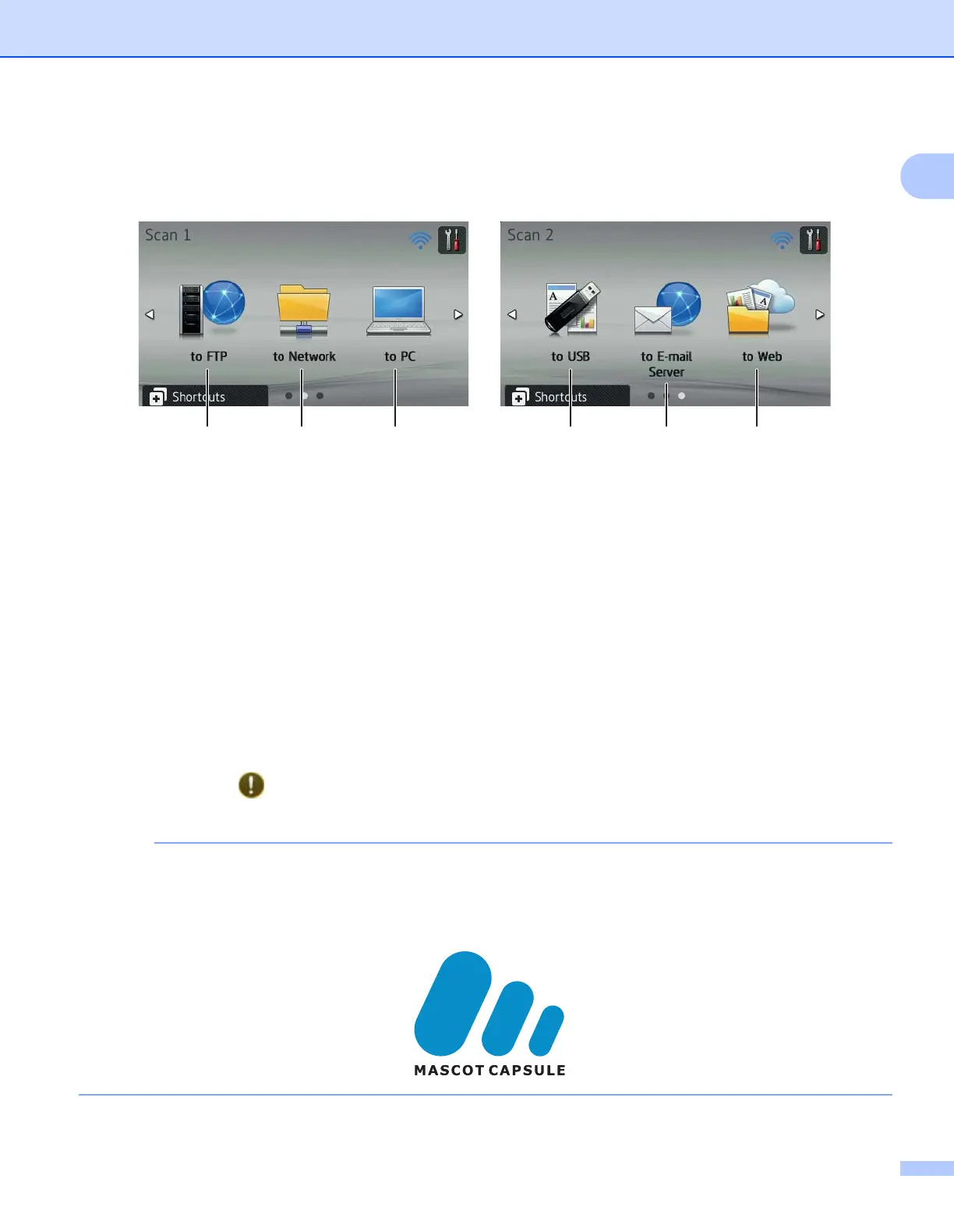
Scan Mode 1
The LCD displays the current machine status when the machine is idle.
Scan 1 Scan 2
1 to FTP
Press to access the Scan to FTP function.
2 to Network
Press to access the Scan to Network function.
3 to PC
Press to access the Scan to PC function.
4 to USB
Press to access the Scan to USB function.
5 to E-mail Server
Press to access the Scan to E-mail Server function.
6 to Web
Press to access the Scan to Web function.
The information icon appears on the Touchscreen when there is an error or maintenance message. For
details, see Error and Maintenance Messages on page 192.
• This product adopts the font of ARPHIC TECHNOLOGY CO., LTD.
• MascotCapsule UI Framework and MascotCapsule Tangiblet developed by HI CORPORATION are used.
MascotCapsule is a registered trademark of HI CORPORATION in Japan.
231 456











 To Next Page