General Information
10
1
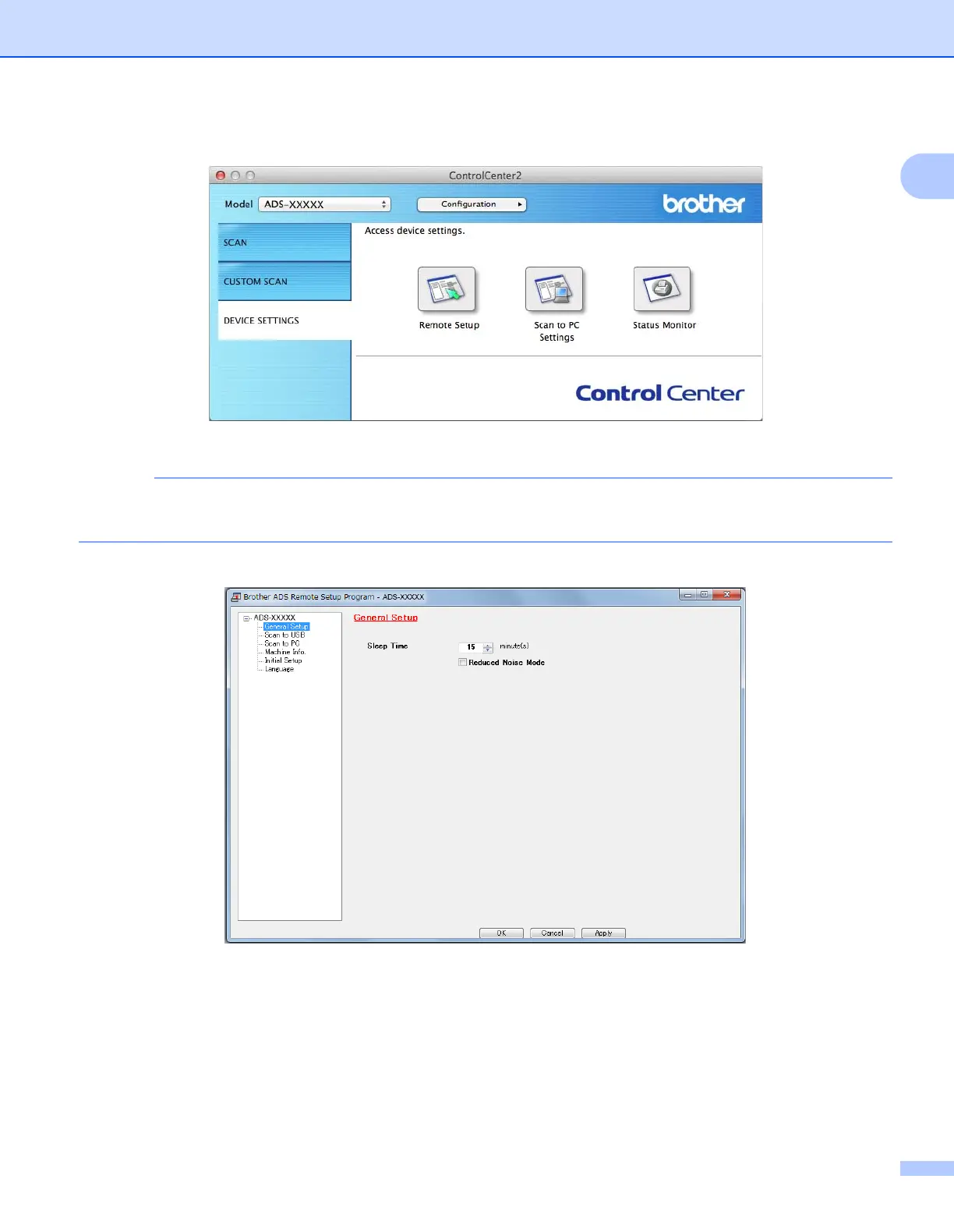
2 Click the DEVICE SETTINGS tab.
2 Click the Remote Setup button. The Remote Setup window appears.
For more information about Remote Setup, see Set Up the Brother Machine from Your Computer
on page 167.
3 Select General Setup in the folder tree (the example below uses Windows
®
).
4 Select how long the machine must be idle before it goes into Sleep Mode.
To exit Sleep Mode, do one of the following:
• Press any key.
• Open the Top Cover.
• Load your document.
5 Click OK.











 To Next Page