General Information
23
1
5 In the left navigation bar, click Active Directory Authentication to configure the settings.
For more information, see Configure Active Directory Authentication in the Network User’s Guide.
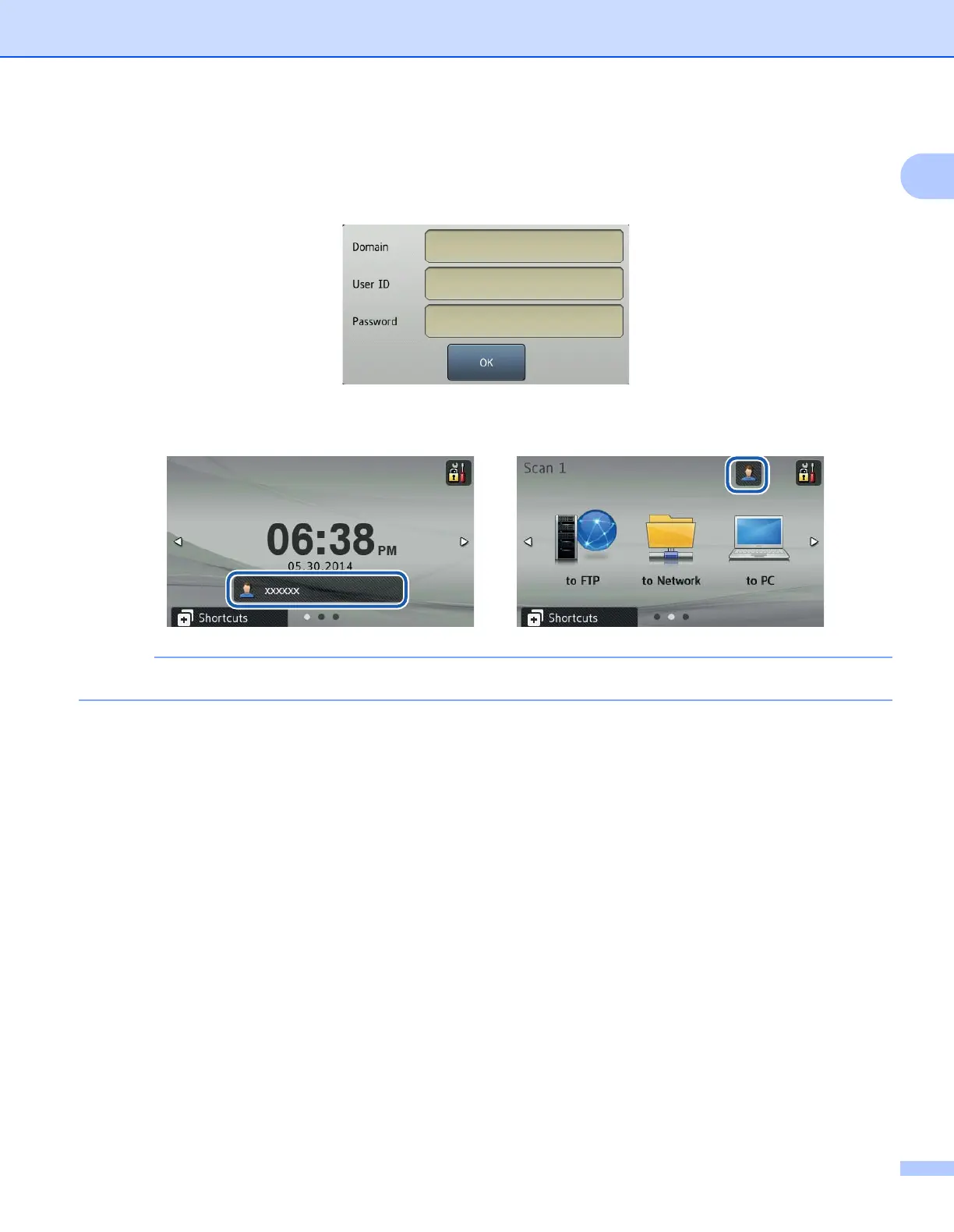
Once you set Active Directory Authentication, the following screen appears on your machine’s LCD.
Enter your Brother machine’s Domain, User ID and Password.
Once you connect Active Directory Server, the following screen appears on your machine’s LCD.
If you don’t touch the LCD within one minute, the LCD reverts to logoff screen automatically.











 To Next Page