Prepare Your Network
44
4
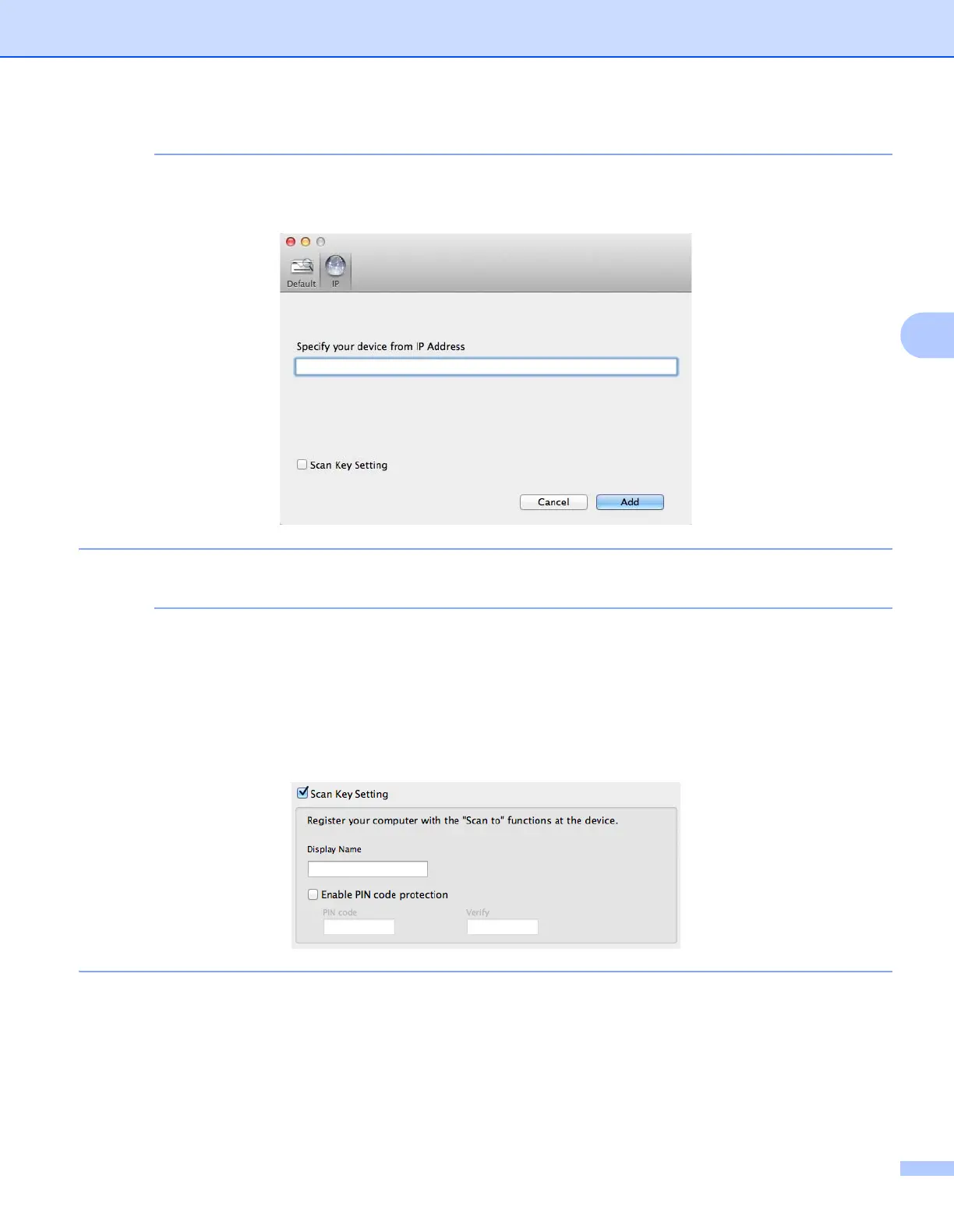
You can also select your machine by entering the IP address. Click IP and then specify your machine by
IP address.
5 Click Add.
While specifying your machine’s IP address, you can also configure Scan Key Setting.
Select the Scan Key Setting check box to set the following options:
• To scan from the machine’s Control Panel to your computer, type your computer’s name in the
Display Name field. The name you type will appear as a destination option on your machine’s LCD.
• To avoid receiving unwanted scanned documents, select the Enable PIN code protection check box,
type your PIN in the PIN code field, and retype it in the Verify field.











 To Next Page