Scan Using Your Computer
52
5
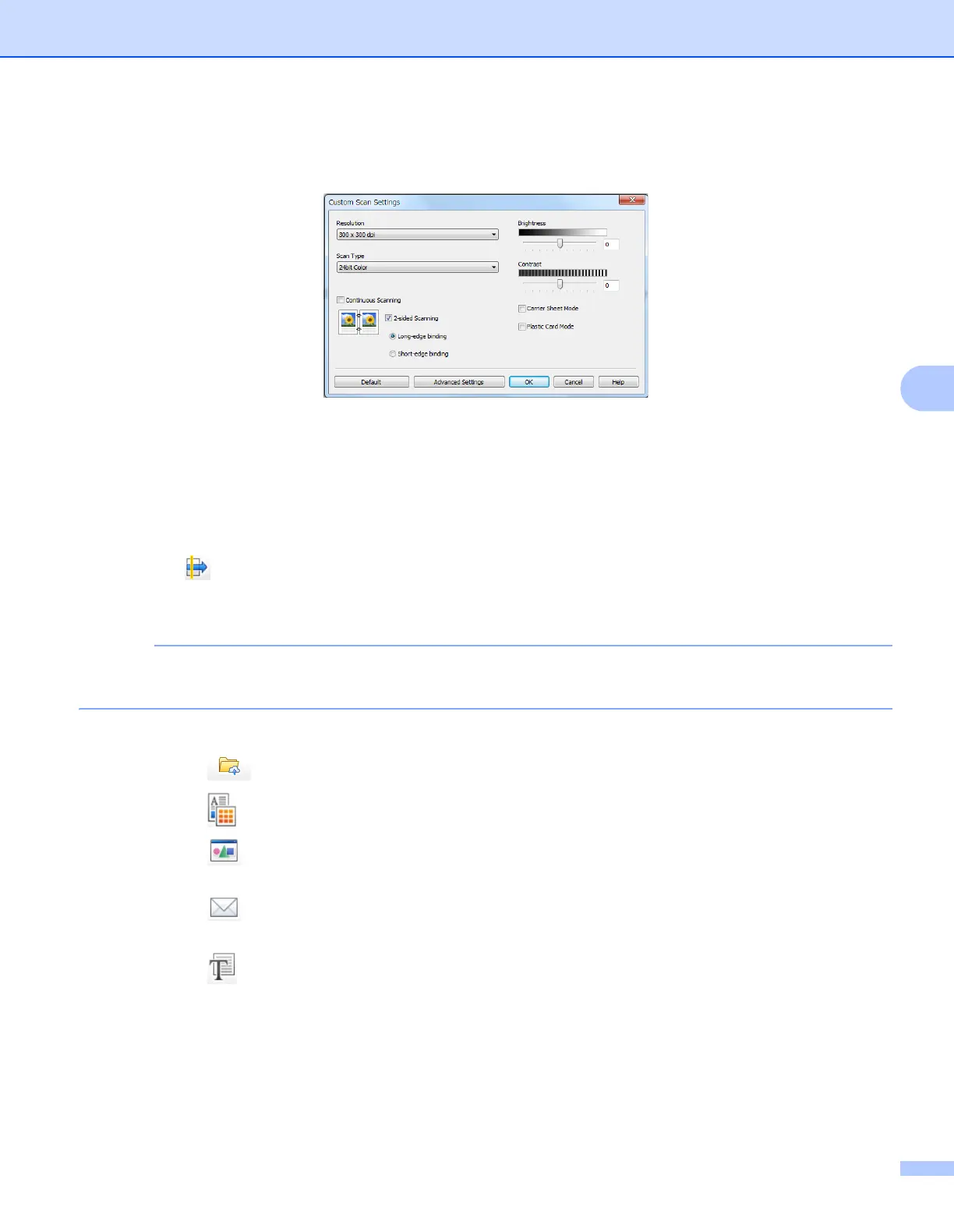
4 Select Custom in the Document Type drop-down list and then click the Custom Settings button.
The Custom Scan Settings dialog box appears.
5 Select the Carrier Sheet Mode check box.
6 Configure other settings if needed (see Change Scan Settings (ControlCenter4) (Windows
®
)
on page 67).
7 Select a scan size other than Auto from the Scan Size drop-down list.
8 Click the (Scan) button. The machine starts scanning, and then the Scanning Completed dialog
box appears and display the number of scanned pages. The scanned image appears in the image
viewer.
If the Scanning Completed dialog box does not appear and you want to display the number of scanned
pages, select the Display Scanning Results check box.
9 Do one of the following:
Click the (Save) button to save the scanned data. See Basic Scan on page 50.
Click the (Print) button to print the scanned data. See Basic Scan on page 50.
Click the (Open with an Application) button to open the scanned data in another application.
See Basic Scan on page 50.
Click the (Send E-mail) button to attach the scanned data to an email. See Basic Scan
on page 50.
Click the (OCR) button to scan to an editable text file. See Basic Scan on page 50.











 To Next Page