Scan Using Your Computer
79
5
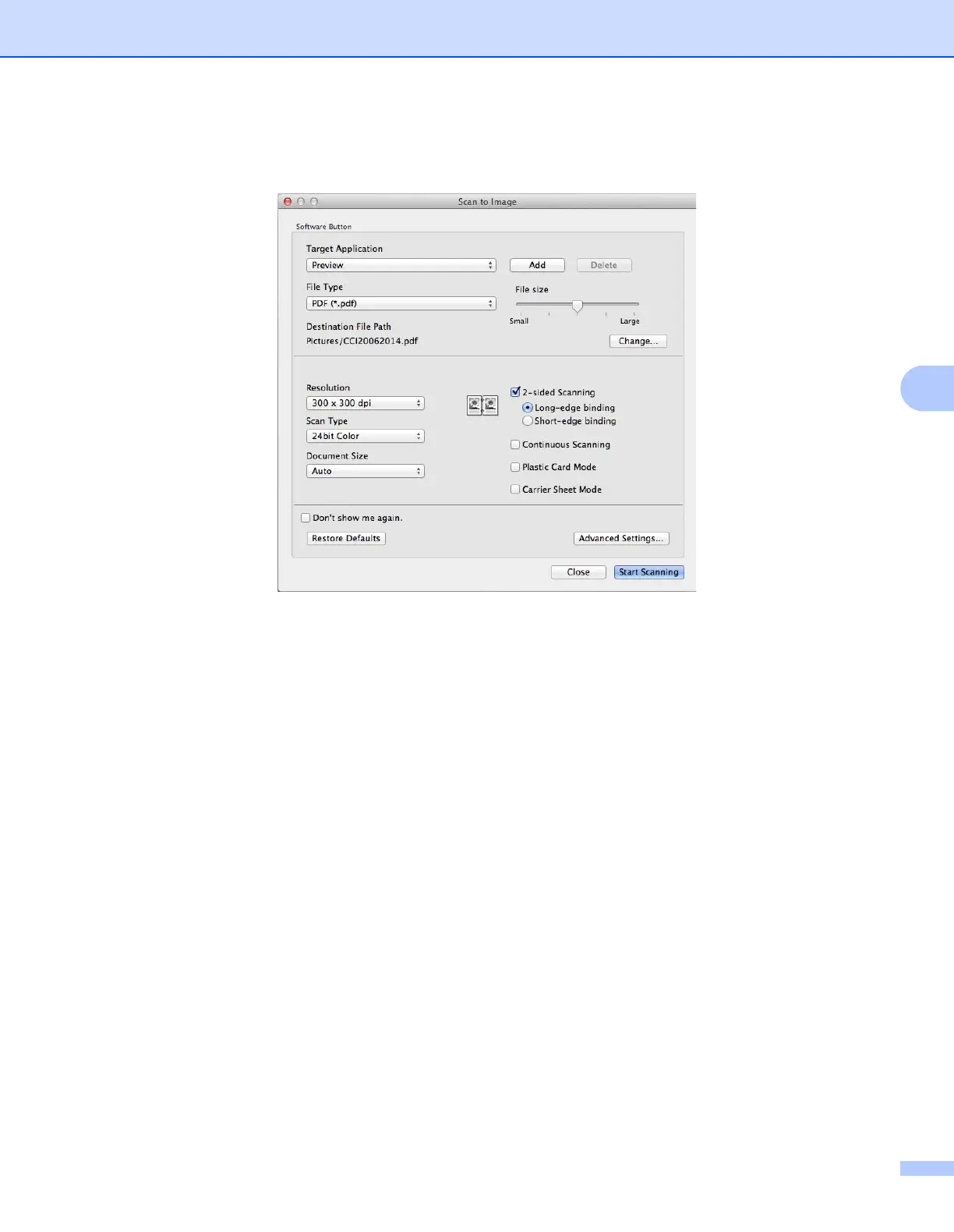
3 Click the SCAN tab, and then click the button for the Scan-to action you want to change (Image, OCR,
E-mail, or File). The settings dialog box appears (the example below uses Image).
4 Select the Carrier Sheet Mode check box.
5 Select a document size other than Auto from the Document Size pop-up menu.
6 Change other settings if needed (see Change Scan Settings (ControlCenter2) (Macintosh) on page 89).
7 Click Start Scanning.
Your default application will start and display the image.











 To Next Page