Scan Using Your Computer
81
5
5 Change other settings if needed (see Change Scan Settings (ControlCenter2) (Macintosh) on page 89).
6 Click Start Scanning.
Your default application will start and display the image.
• Click the Don’t show me again. check box not to show the setting dialog box again.
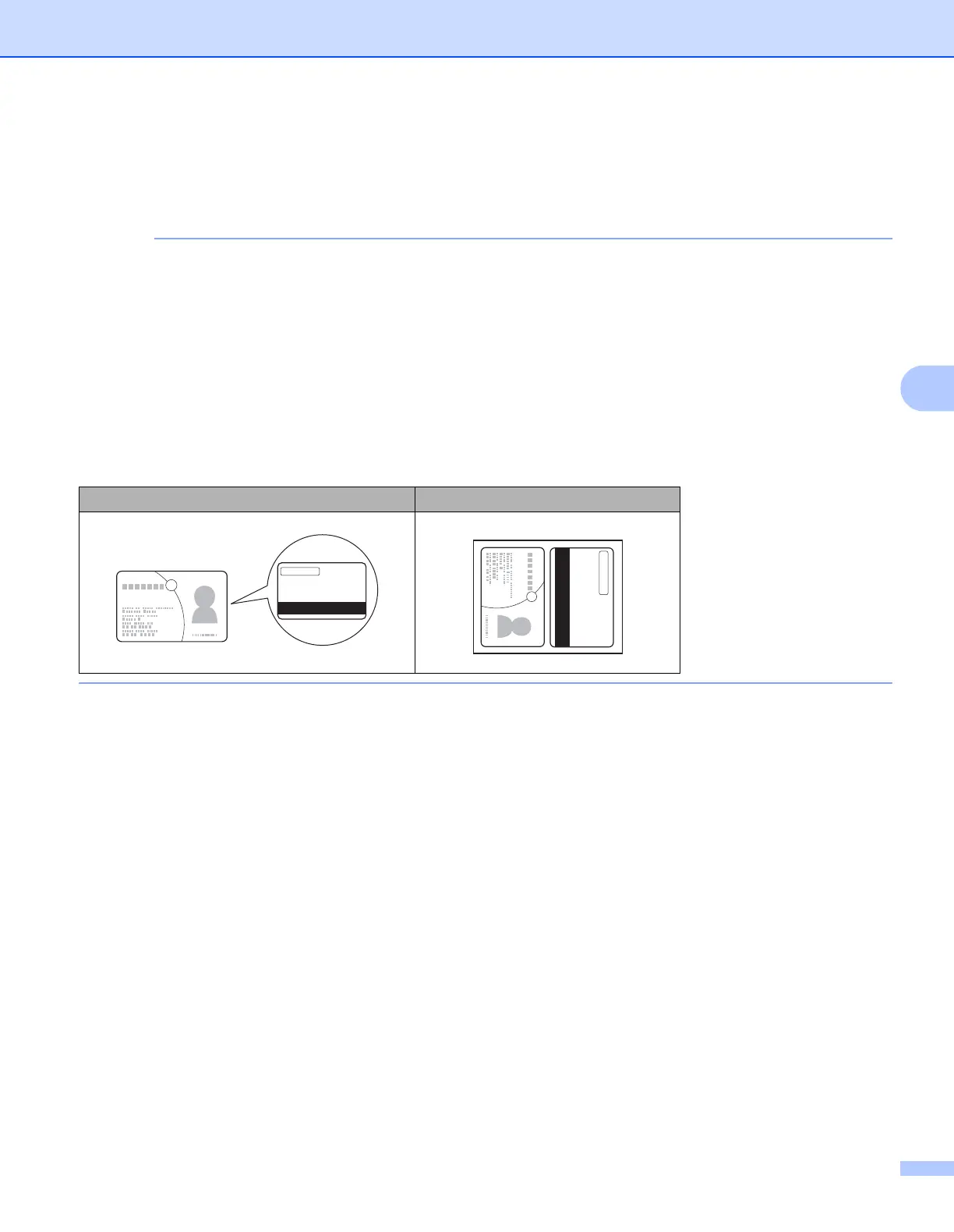
• Plastic Card Mode automatically uses these settings:
Resolution: 600 x 600 dpi
Document Size: 2 in 1 (Auto)
2-sided Scanning: On (Short-edge binding)
Auto Deskew: On
Auto Image Rotation: Off
Multifeed Detection: Off
Original Layout Scan Result


 To Next Page
 Loading...








