Changing the P-touch Settings
102
6
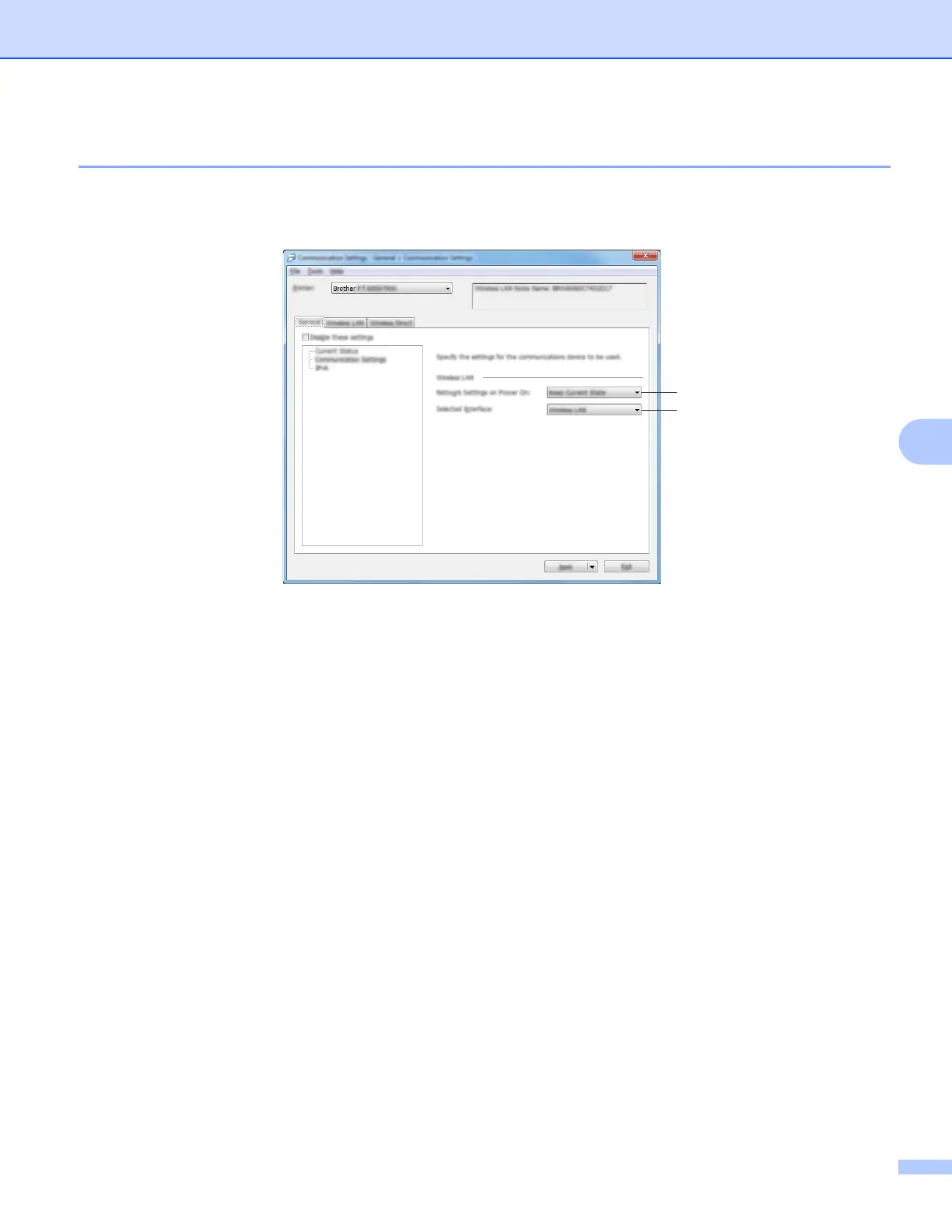
General Tab 6
Communication Settings 6
1 Network Settings on Power On
Specifies the conditions for connecting via Wi-Fi when the printer is turned on. Select [On by Default], [Off
by Default] or [Keep Current State].
2 Selected Interface
Select [Infrastructure or Ad-hoc], [Infrastructure and Wireless Direct] or [Wireless Direct].
1
2












 To Next Page