Printing a Tube or Label Using the P-touch Keyboard
24
2
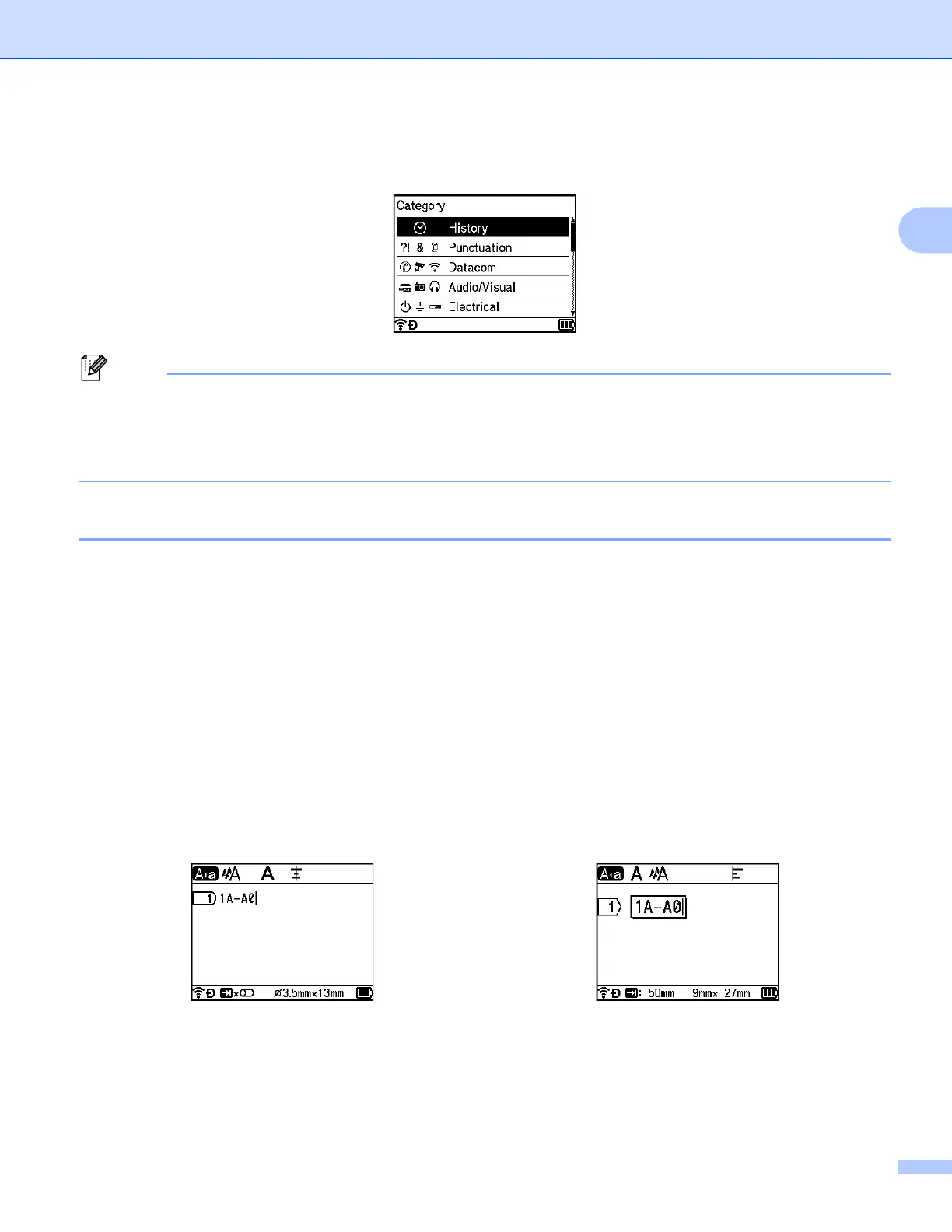
e Press the Symbol key.
[History] appears, including the symbol entered in step d.
• Up to 30 symbols can be added to [History]. The oldest symbol will be deleted from the category when
the symbols added to [History] exceed 30 symbols.
• To stop using [Symbol History], follow steps a and b above, and then select [Off] in the [Symbol
History] screen in step c.
Entering a Serialised Tube or Label 2
Numerically serialised tubes or labels can be created. You can set the increment and count for the series. In
the serialize mode, you can create a series of tubes or labels by incrementing one numeric character in the
pattern. In the advanced serialize mode, you can select between Simultaneous or Group. Simultaneous
mode creates a series of tubes or labels by incrementing two different numbers at the same time. Group
mode creates a series of tubes or labels by allowing you to select two sequences in the pattern and increment
them consecutively.
Serialize Mode 2
a Enter the text except the text that you want to serialize.
Example: Create tubes or labels 1A-A01, 1A-A02, 1A-A03, and 1A-A04 using this function. In this case,
enter "1A-A0".
Tube creation screen Label creation screen












 To Next Page