Network Terms and Information
221
25
Types of Network Connections and Protocols 25
You will find basic information about the advanced network features of the Brother P-touch, along with
general networking and common terms.
The supported protocols and network features differ depending on the model you are using.
Types of Network Connections 25
Peer-to-Peer printing using TCP/IP 25
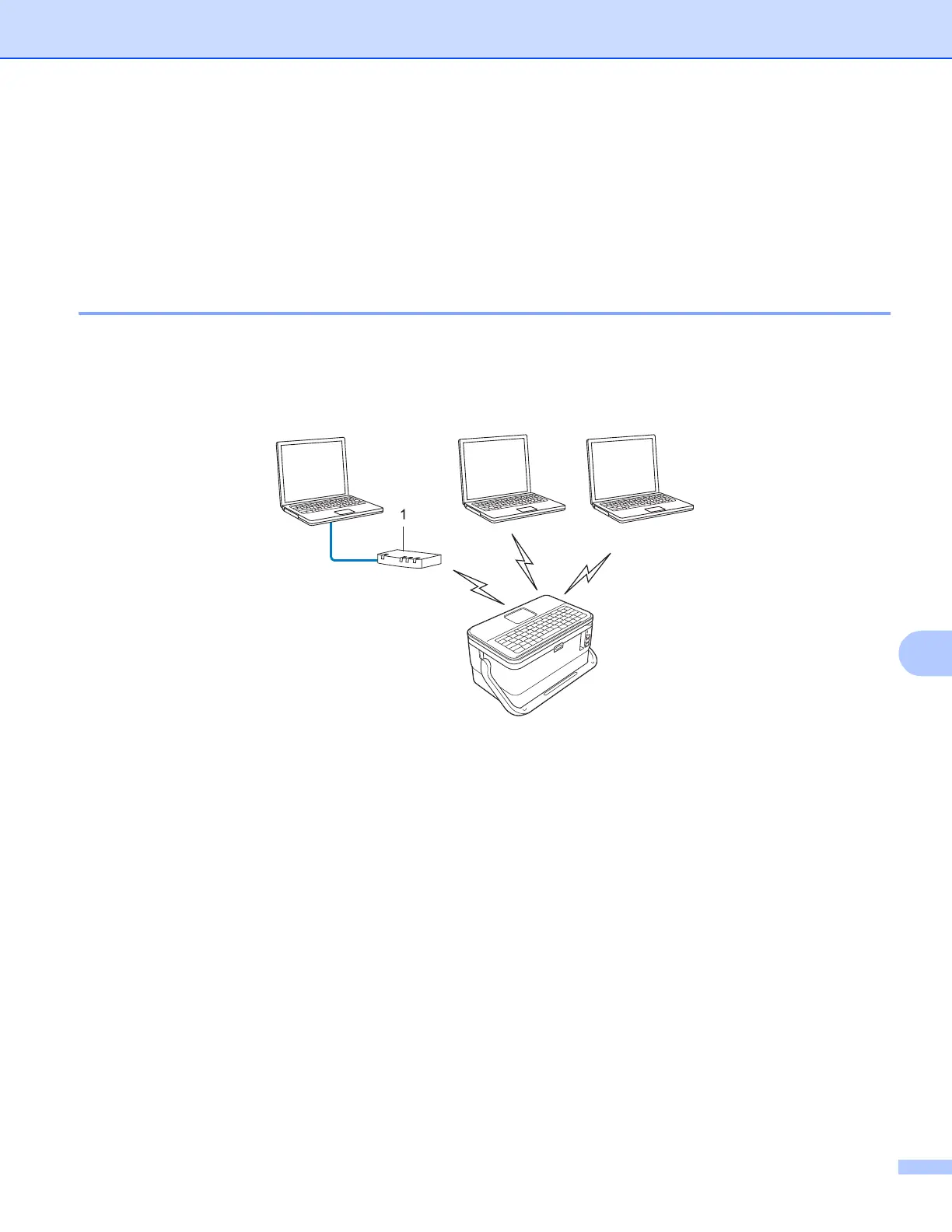
In a Peer-to-Peer environment, each computer directly sends and receives data to each device. There is no
central server controlling file access or printer sharing.
1 Router
In a smaller network of two or three computers, we recommend the Peer-to-Peer printing method as it is
easier to configure than the Network Shared printing method. See Network Shared printing on page 222.
Each computer must use the TCP/IP Protocol.
Your P-touch needs an appropriate IP address configuration.
If using a router, you must configure the Gateway address on the computers and your P-touch.












 To Next Page