How to Use Cable Label Tool
138
9
Numbering Function (Serialised Number) Printing 9
You can create numerically serialised labels.
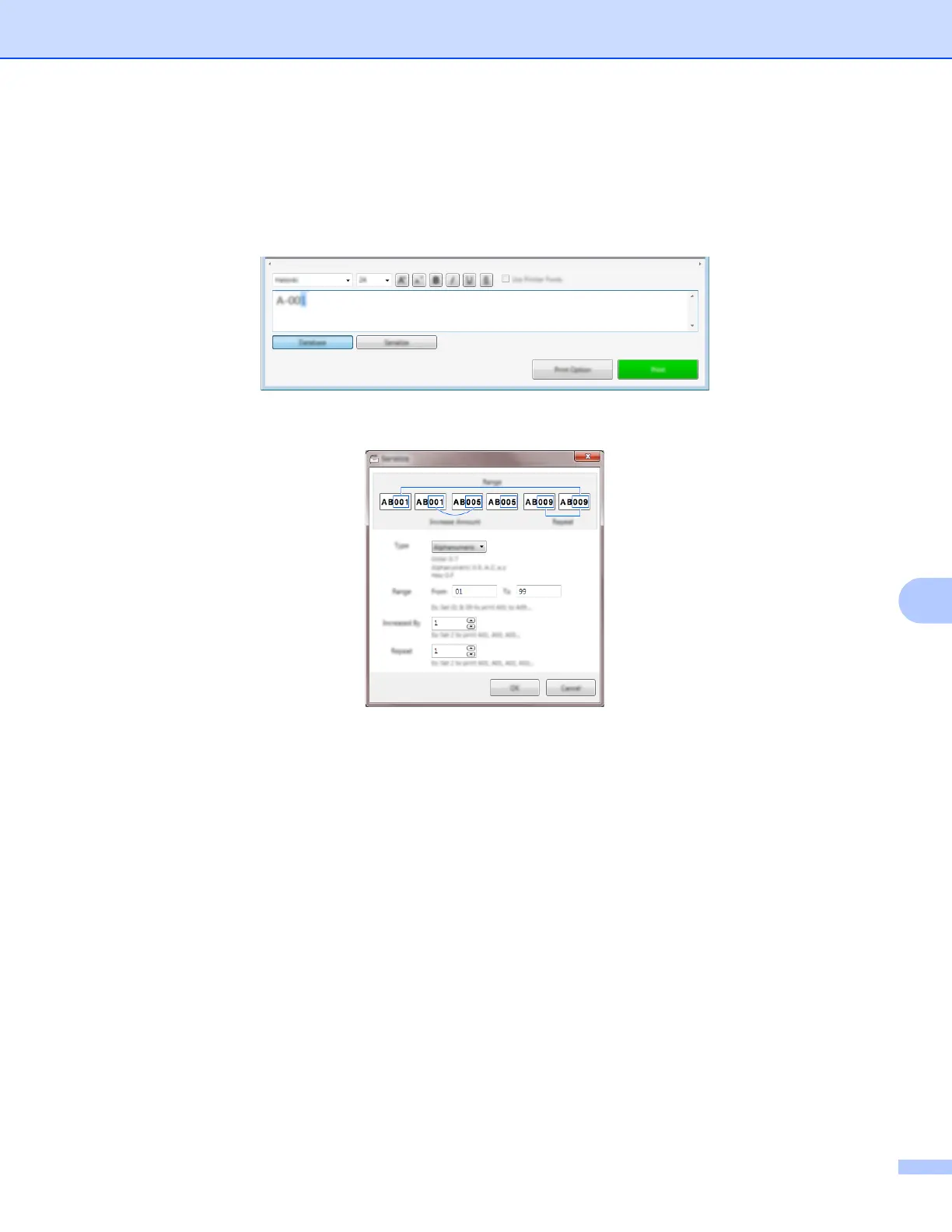
a Highlight the text you want to serialise.
b Click [Serialize].
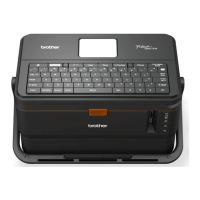
c Specify the settings using the screen image as an example.
Printing with Cable Label Tool 9
You can print by selecting [Print] from the [File] menu or by clicking the [Print] button. (Configure the printing
settings in the [Print] screen before printing.)





 To Next Page