How to Use Cable Label Tool
139
9
Transferring Templates from Cable Label Tool to the P-touch9
Using the transfer function, you can transfer a template or a template with a database to the P-touch without
using P-touch Transfer Manager.
You cannot transfer templates for tubes.
a Display the template to transfer in the layout window.
b Click [Transfer].
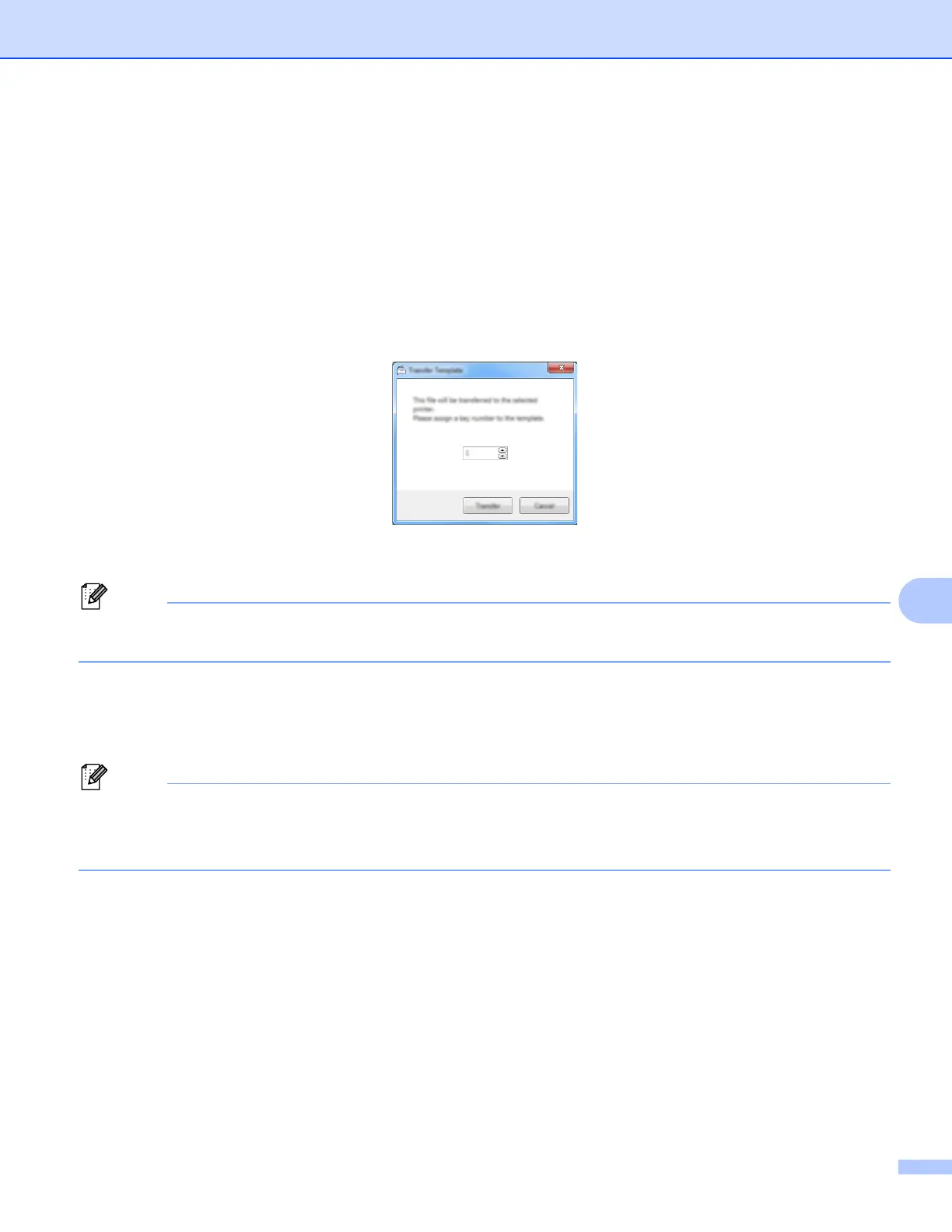
The [Transfer Template] dialog box appears.
c Select the assignment key.
If the template or other data transferred to the printer has the same key number as another template
already saved in the printer, the new template will overwrite the old one.
d To transfer a template with a connected database, select the [Transfer with Database] check box.
e Click [Transfer].
The template or template with database is transferred to the printer.
•[Serialize] settings will not be transferred.
• When transferring a template with a database, if the linked database has multiple sheets, only the sheet
currently displayed in the database dialog box is transferred.












 To Next Page