Printing a Tube or Label Using the P-touch Keyboard
48
2
Print Layout Adjustment
Adjusts the printing position horizontally and vertically.
Horizontal: -30.0 mm to +30.0 mm (in nine 0.1 mm increments)
Vertical: -2.0 mm to +2.0 mm (in nine 0.5 mm increments)
Feed Tube
Adjusts the tube position by feeding a fixed amount of tube.
Forward, Backward
End Detection
Reverse: On, Off
Clear Tube: On, Off
Full Cut
Normal, Strong
Tube Preview 2
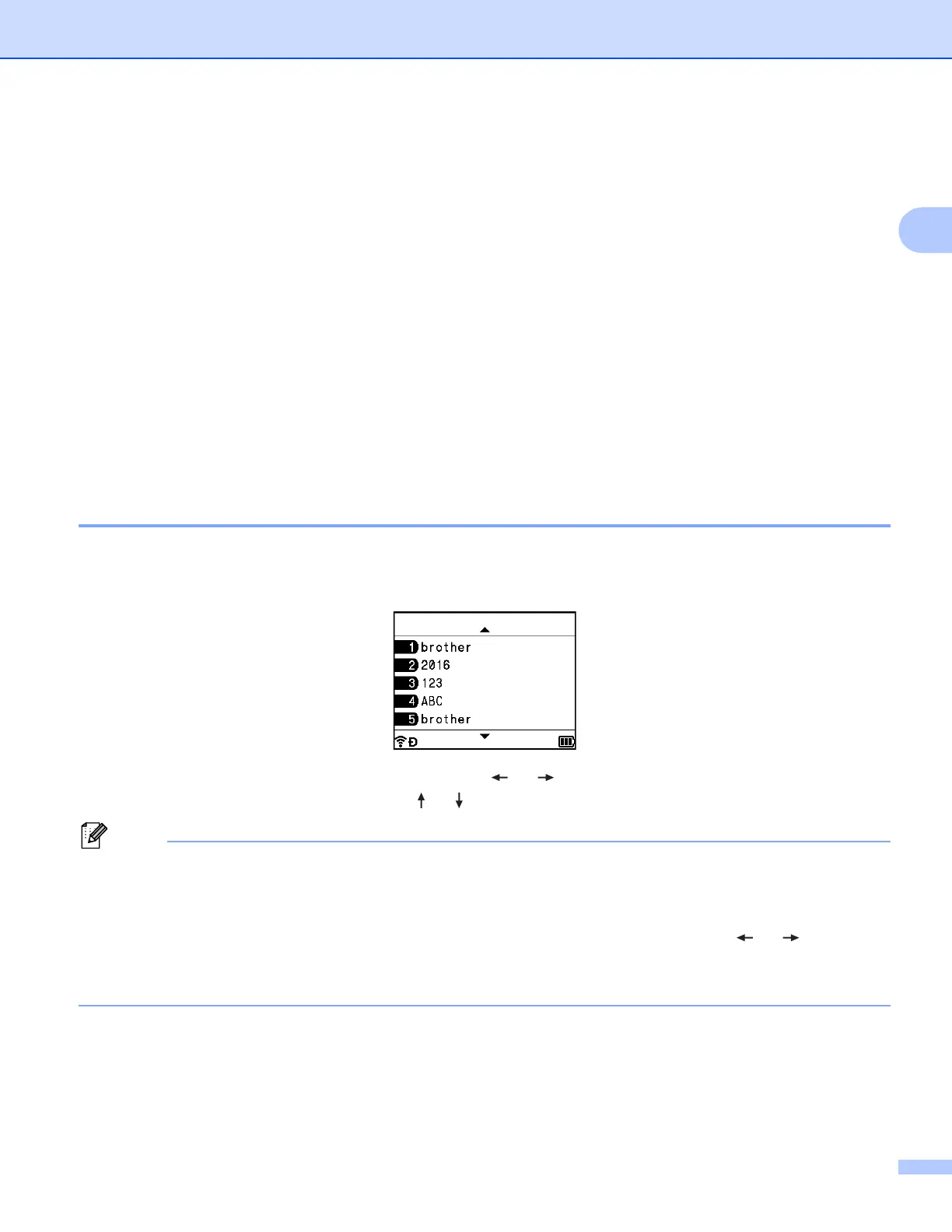
You can preview the entered character string so that you can check it before printing.
a Press the Preview key.
To scroll the preview to the left or right, press the or key.
To change the preview page, press the or key.
• All of the text appears as a single line on the screen and a return mark appears to indicate the location of
the line break. When the tube is printed, the text after the return mark is printed on the second line.
• To return to the tube creation screen, press the Esc, OK or Enter key.
• To scroll the preview to the left or right end, press the Shift key, and then press the or key.
• To print the tube directly from the preview screen, press the Print key or open the [Print Options]
screen and select a print option. See Printing Tubes on page 49 for more information.












 To Next Page