Using the Data Transferred to the P-touch
71
3
Editing the Database 3
a Press the Insert key, select [Database] using the or key, and then press the OK or Enter key.
b Select the database you want to edit using the or key, and then press the OK or Enter key.
You can also select the database you want to edit using the following procedure:
Select [Transferred Templates] in the Home screen using the , , or key, and then press
the OK or Enter key. Select the template linked to a database you want to edit using the or key, and
then press the OK or Enter key. Select [Print from Database] using the or key, and then press
the OK or Enter key.
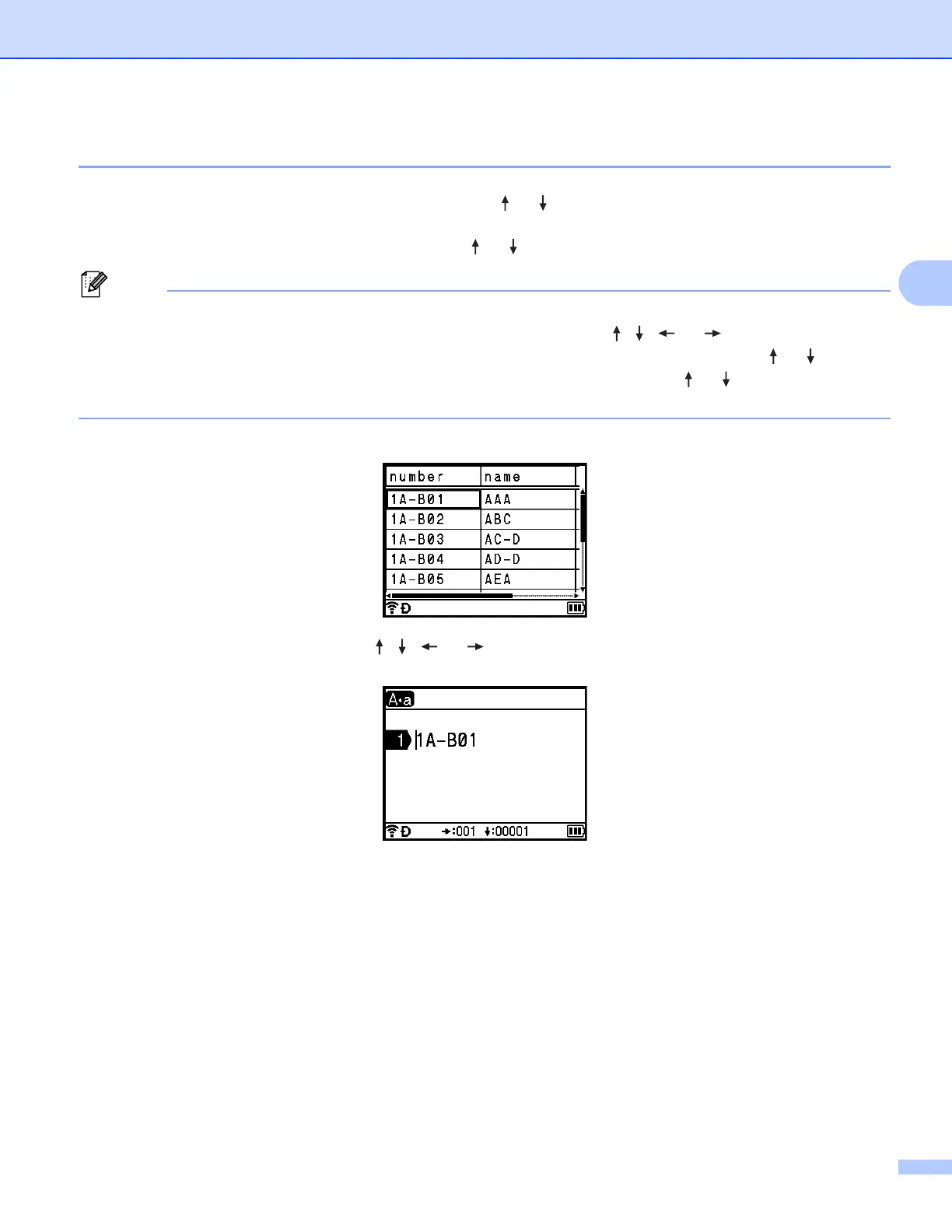
The first record of the selected database appears.
c Select the cell you want using the , , or key, and then press and hold down the OK or Enter
key.






 To Next Page