Using the Data Transferred to the P-touch
70
3
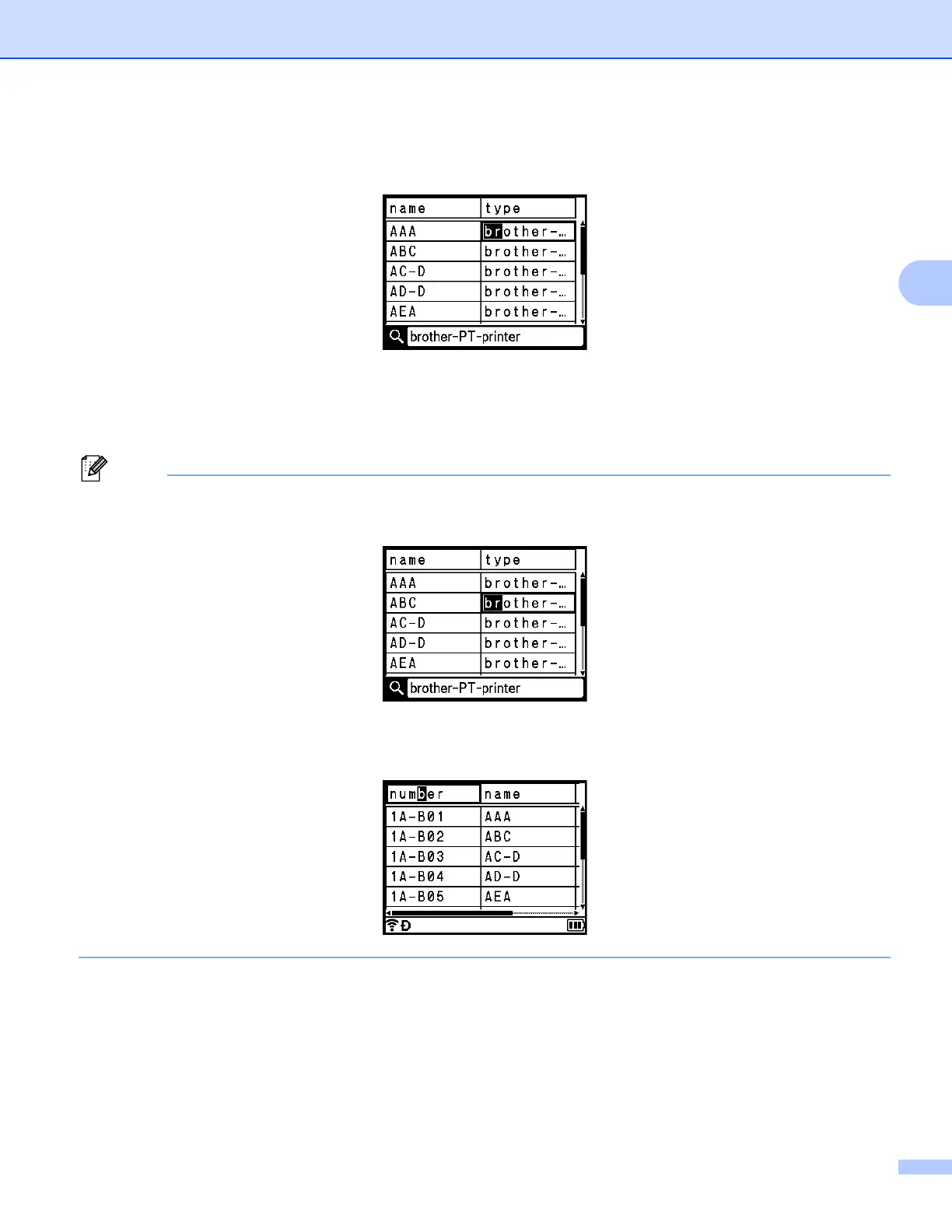
d Type in the second character (for example, "R") that you want to search for.
Next, if you type "R", the fields will be searched from the next field for character strings containing "BR".
If a string that contains "BR" is found, the cursor moves to that data and "BR" becomes highlighted. In
addition, "BR" will be stored in the internal memory.
e Continue searching the database using the same procedure.
• If the character that you searched for is contained in multiple fields in the database, press the Next key to
move to the next field containing the character. The character will be highlighted in the field.
• Press the Backspace key to delete the last search character. The cursor will move to the field containing
the remaining search characters.












 To Next Page