Printing a Tube or Label Using the P-touch Keyboard
19
2
Deleting All Text at Once 2
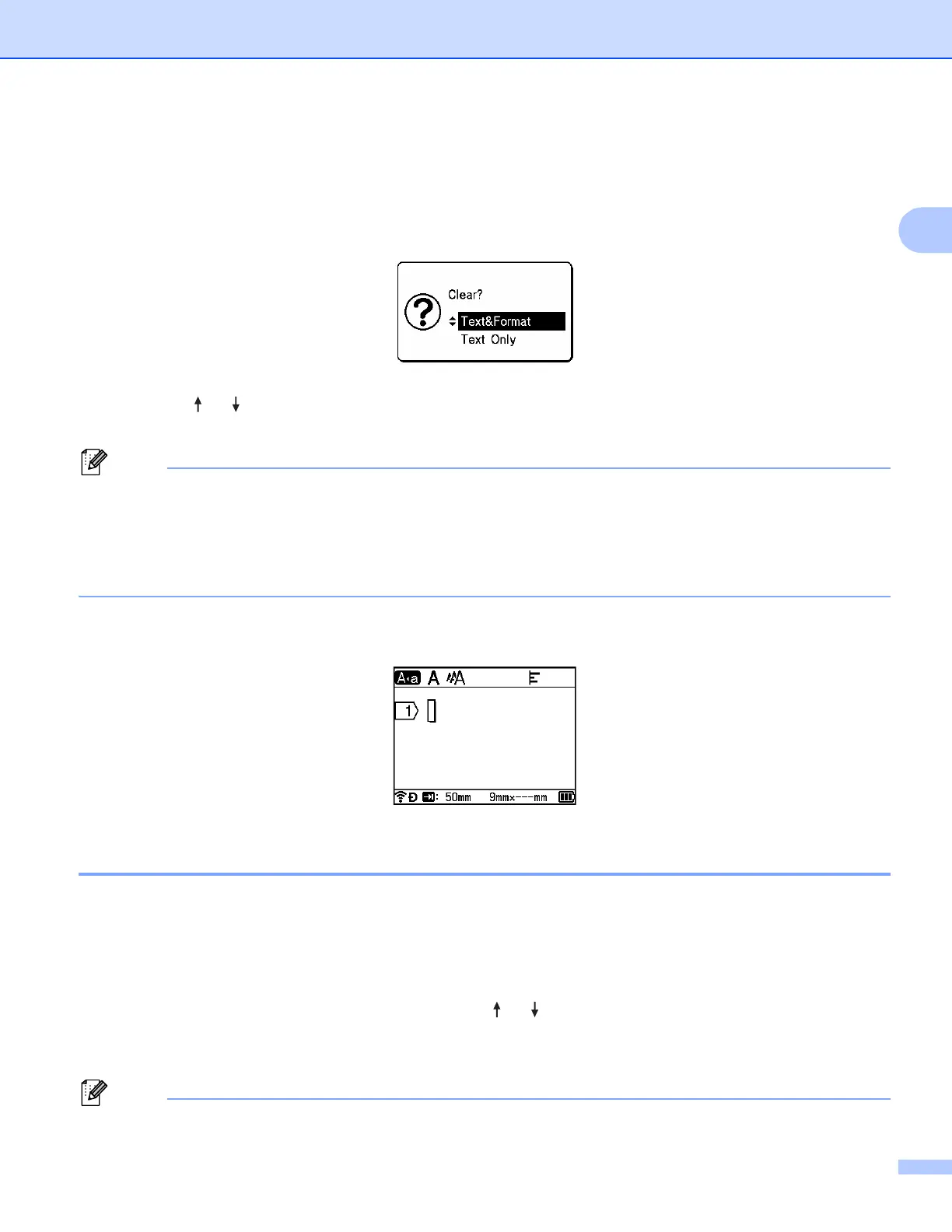
Use the Clear key to delete all text at once.
a Press the Clear key.
The Clear options appear.
b Using the or key, select [Text Only] to delete all text while retaining the current format settings,
or select [Text&Format] to delete all text and format settings.
• Press the Esc key to return to the tube creation screen or the label creation screen without erasing (or
clearing) the text or the format settings.
• When [Text&Format] is selected, all text is cleared and the character attribute and cutting option settings
are reset to the factory settings. In addition, the screen for setting the diameter and length of the installed
tube appears.
c Press the OK or Enter key.
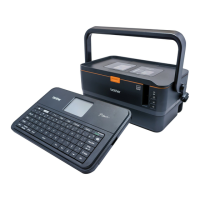
All text is deleted. If you have selected [Text&Format], all format settings are also deleted.
Using Text Reminder 2
When you enter a character, the P-touch retrieves all character sequences beginning with that character from
a history of all printed character sequences to date, and displays those character sequences as a list of
options that you can select.
For example, if you enter "B", a mark appears on the screen if there is a character sequence beginning with
"B" in the history. If you press the OK key, the P-touch displays a list of words beginning with the letter "B",
such as "Brother". Select the word you want using the or key, and then press the OK or Enter key to
insert the selected word on the text line.
The factory setting is "On".
• To close the list of words, press the Esc key.





 To Next Page