Printing a Tube or Label Using the P-touch Keyboard
25
2
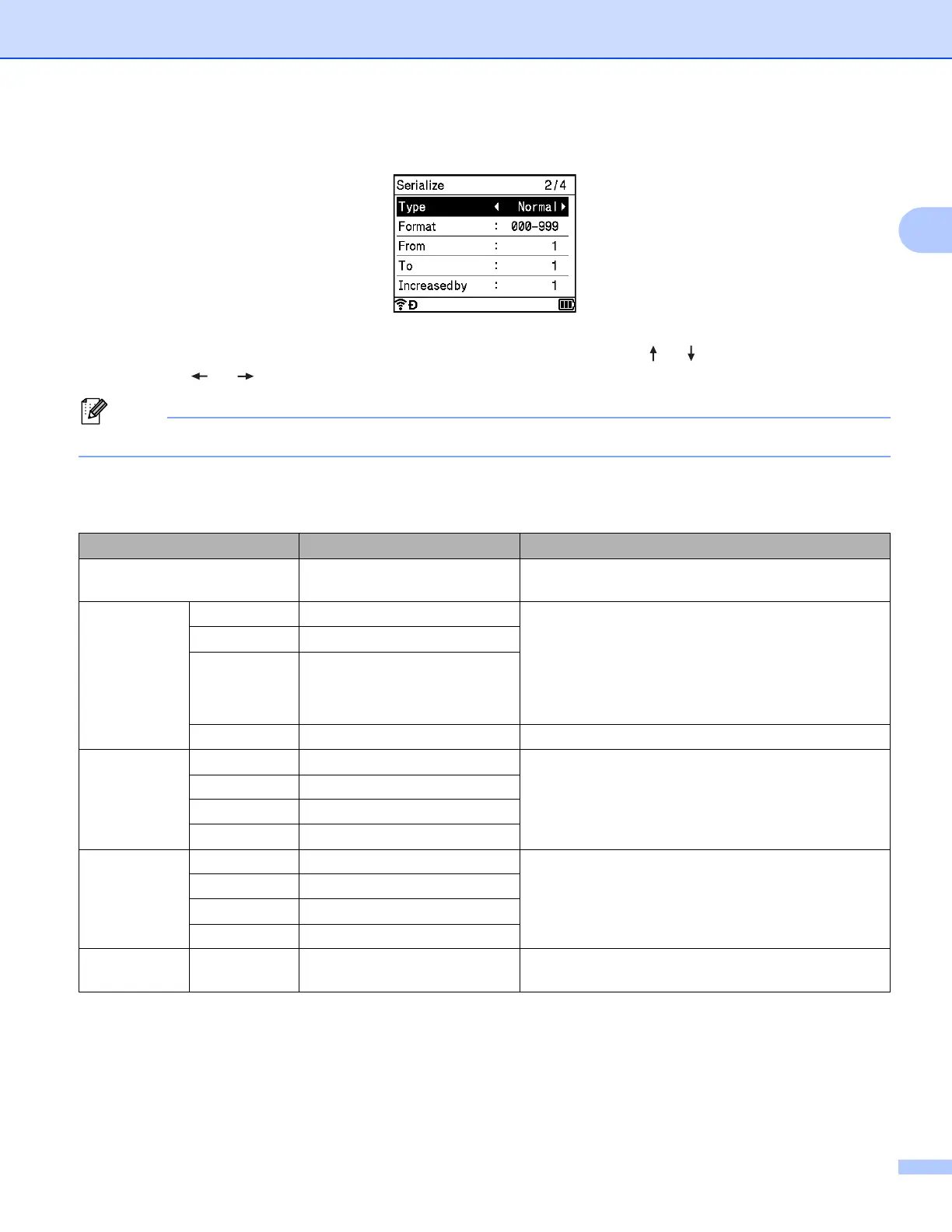
b Position the cursor where you want to insert serialised text, and then press the Serialize key.
c Select [Type], [Format], [From], [To] and [Increased by] using the or key, and set the values
using the or key.
You can also set [From], [To] and [Increased by] by typing in the numbers you want.
Example: [Type]: Normal, [Format]: 000-999, [From]: 1, [To]: 4, and [Increased by]: 1
See the following Serialize Settings table (factory settings are shown in bold):
Attribute Value Description
Type Normal, Octal, Hex,
Alphabet
Specifies the format of the serialised number from
decimal, octal, hexadecimal, and alphabetic.
Format Normal 000-999, __0-999, 0-999 Specifies how the digits of the serialised numbers
are aligned.
000-***: Zeroes are used to align the digits.
__0-***: Blank spaces are used to align the digits.
0-***: The digits are not aligned.
Octal 000-777, __0-777, 0-777
Hex 000-FFF, __0-FFF, 0-FFF
Alphabet a-z, A-Z Specifies lower-case or upper-case characters.
From Normal 000-999 Specifies the starting text for the serialised numbers.
Octal 000-777
Hex 000-FFF
Alphabet a-z, A-Z
To Normal 000-999 Specifies the ending text for the serialised numbers.
Octal 000-777
Hex 000-FFF
Alphabet a-z, A-Z
Increased
by
1-9 Specifies the increment for increasing the serialised
numbers.












 To Next Page