How to Use P-touch Library
156
12
3 Folder list
Displays a list of folders. When you select a folder, the templates in the selected folder appears in the
templates list.
4 Templates list
Displays a list of the templates in the selected folder.
5 Preview
Displays a preview of the templates selected in the templates list.
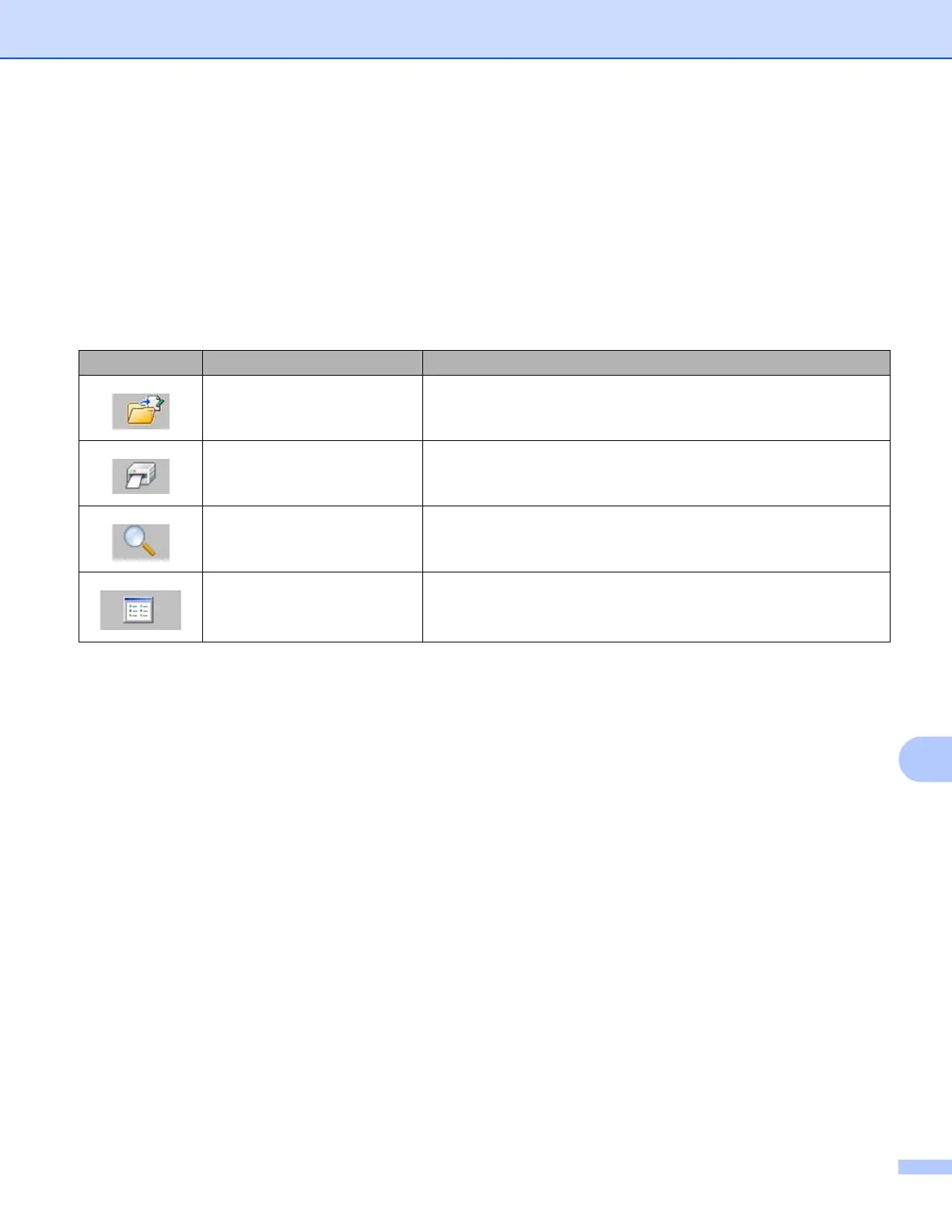
Explanations of the Toolbar Icons
Icon Button name Function
Open Opens the selected template.
Print
(Only for P-touch Library)
Prints the selected template with the P-touch.
Search Allows you to search for templates registered to P-touch Library.
Display Style Changes the file display style.












 To Next Page