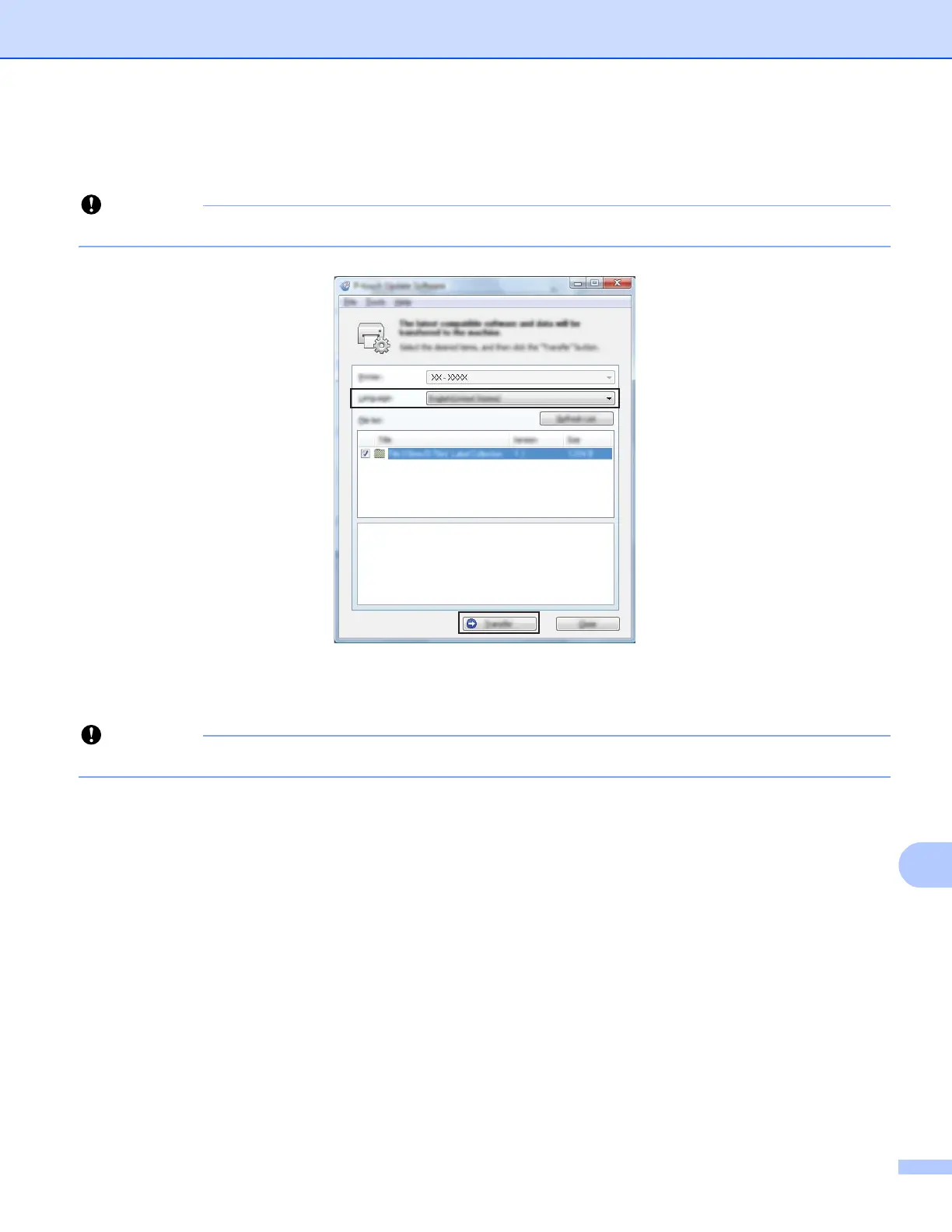
How to Update P-touch Software
173
14
e Select the [Language] settings, select the check box next to the firmware you want to update to, and
then click [Transfer].
Do not turn the P-touch off or disconnect the cable during data transfer.
f Check the content to be updated, and then click [Start] to begin the update.
The firmware update begins.
Do not turn the P-touch off or disconnect the cable during the update process.





 To Next Page