Using the Data Transferred to the P-touch
68
3
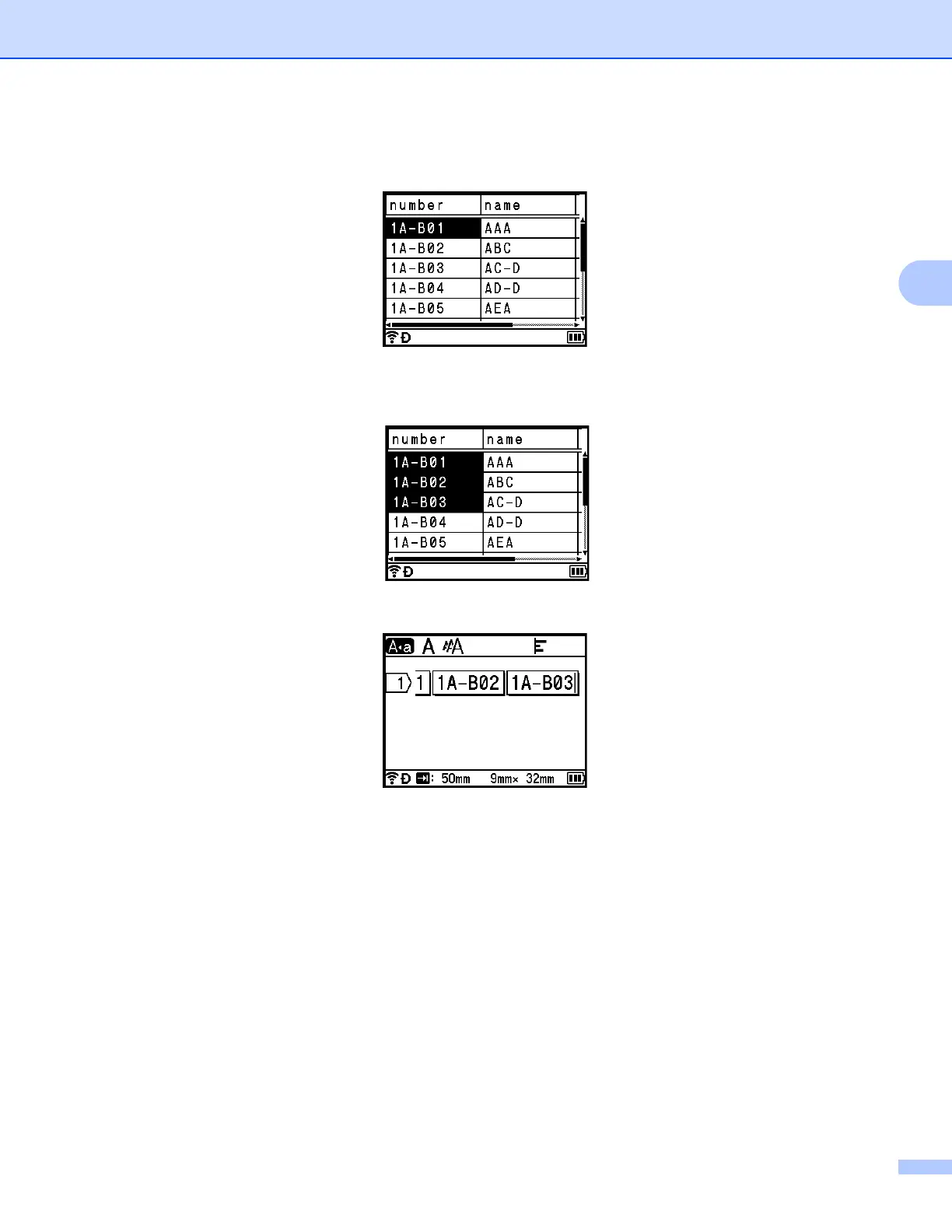
c Select the first record in the range that you want to insert, and then press the OK or Enter key.
The selected record is highlighted.
d Select the last record in the range that you want to insert, and then press the OK or Enter key.
The selected range is highlighted.
The contents of the selected database appear.


 To Next Page
 Loading...








