1 - 16
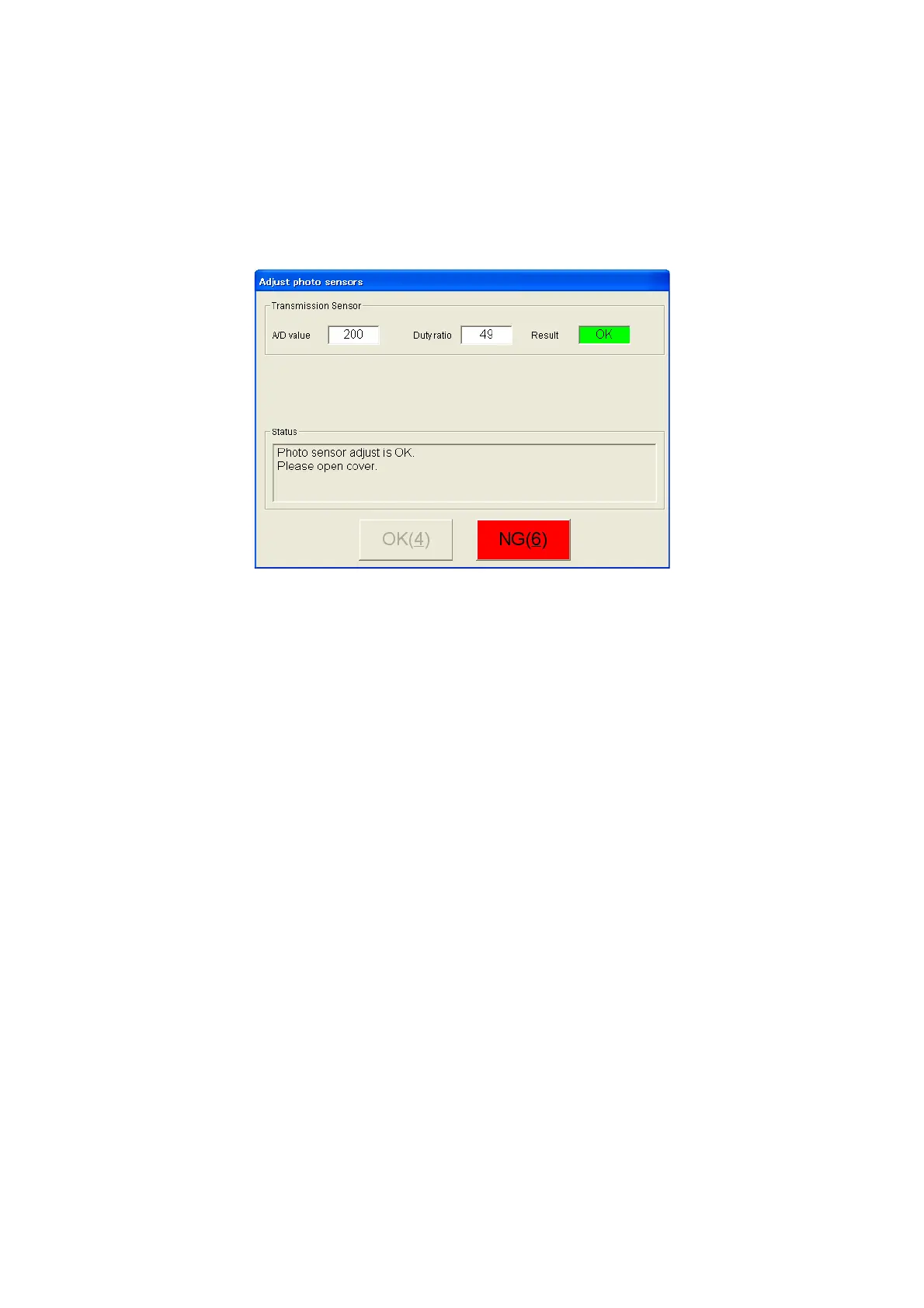
(5) When the adjustment is completed, the display below appears. As soon as "OK" appears
in the "Result" field, "Photo sensor adjust is OK. Please open cover." appears in the
"Status" field. Open the cover.
→ When "NG" appears in the "Result" field, the instruction to open the cover does not
appear in the "Status" field.
Press the [NG] button to finish the adjustment.
Figure 21. "Adjust transmission sensor" OK
Note : "A/D value" and "Duty ratio" values can be NG even those values are close to OK
condition. Open the cover and change the position of the 80GS OJI roll ASSY, and then
try again. The result may become OK.
Conditions required for adjustment OK
"A/D value" is within 200 to 205.
"Duty ratio" is within 30 to 100.
Possible cause for adjustment NG
• Photo sensor failure
• Wrong or worn out adjustment media
• The media used are wrong
Once "OK" appears in the "Result" field, open the cover to complete the inspection and
adjustment.



 To Next Page
 Loading...







