21
MicroDock II
Installation
4. Lower the lid and press down until the release tabs click.
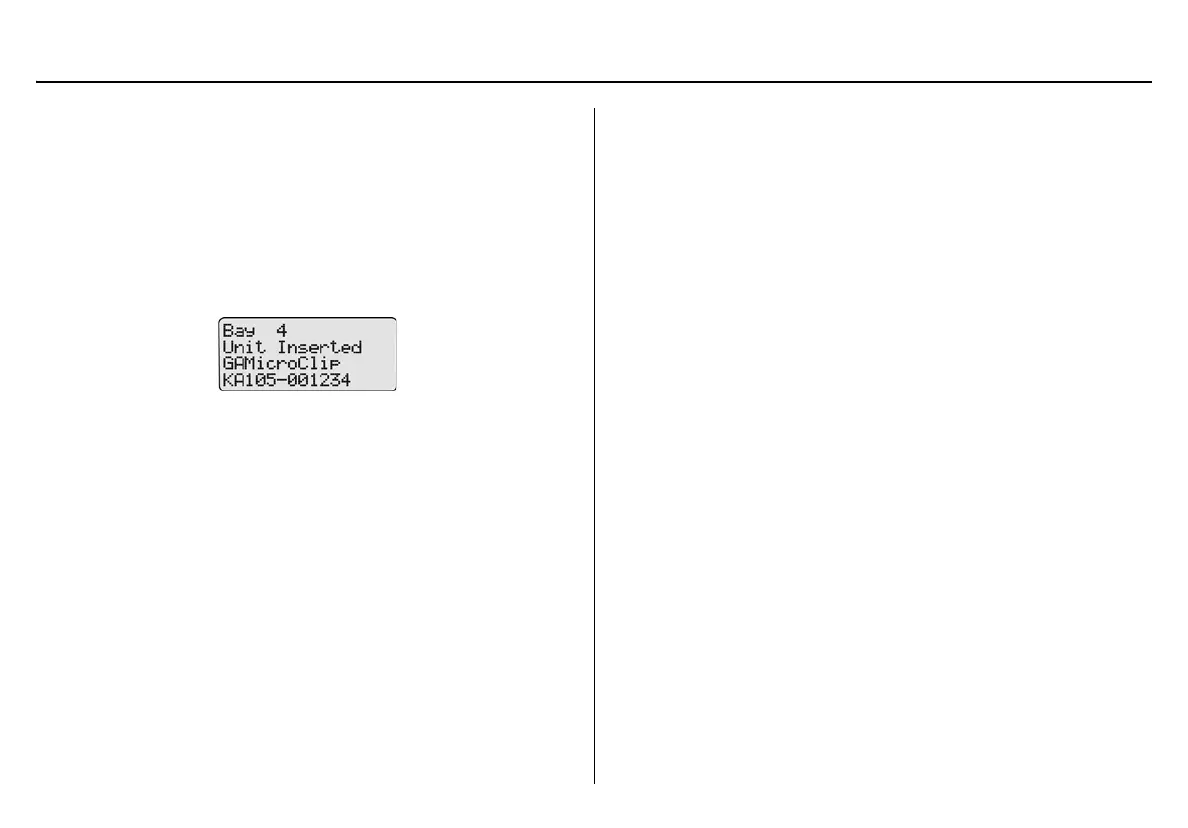
When the detector has been inserted correctly, the RUN LED(s)
on the docking module lights yellow and the base station LCD
displays the
• the docking module number,
• Unit Inserted,
• detector type, and
• detector serial number.
5. To bypass the base station identification screen, press any
C
button on the base station.



 To Next Page