MicroDock II
User Manual
46
5. Press C or C to scroll to another user option.
Or
Press
C exit to return to the normal operation.
Backlight
Backlight enables, disables, or selects auto mode for the LCD lighting.
The auto mode automatically disables the backlight when the base sta-
tion is not in use.
Note
The base station is shipped with the auto backlight option
enabled. While operating from battery power only, select auto
mode or (off) to conserve the batteries.
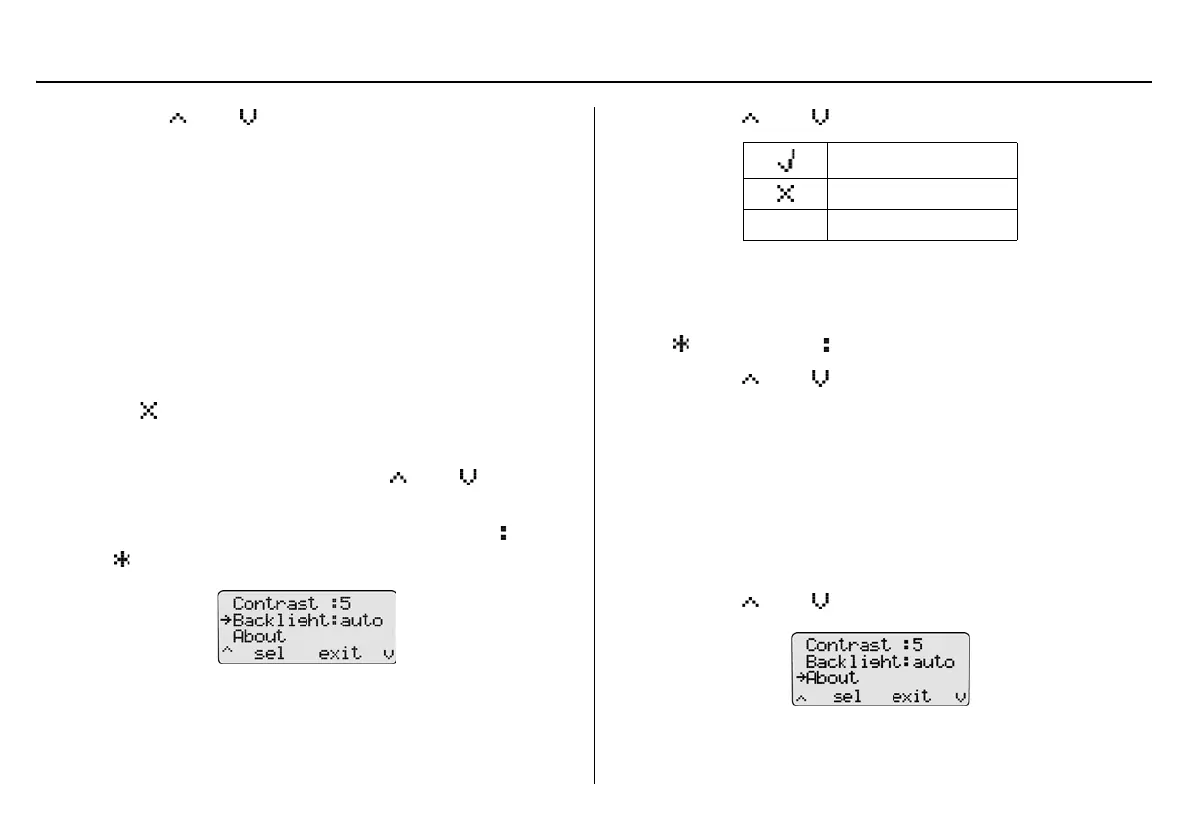
To enable/disable or select auto backlight, complete the following:
1. From the user options menu, press
C or C to scroll to
the Backlight option.
2. Press
C sel to select the option and access the field ( changes
to ).
3. Press
C or C to scroll through the options.
Each selection displays beside Backlight and the backlight acti-
vates and deactivates, depending upon the selection.
4. Press
C sel to save the selection and exit the field
( changes back to ).
5. Press
C or C to scroll to another user option.
Or
Press
C exit to return to normal operation.
About
About displays the firmware revision for the base station and each dock-
ing module that is connected. To view the firmware revision for the base
station and docking module(s), complete the following:
1. Press
C or C to scroll to the About option.
Enabled
Disabled
auto Automatic



 To Next Page