69
MicroDock II
Calibration
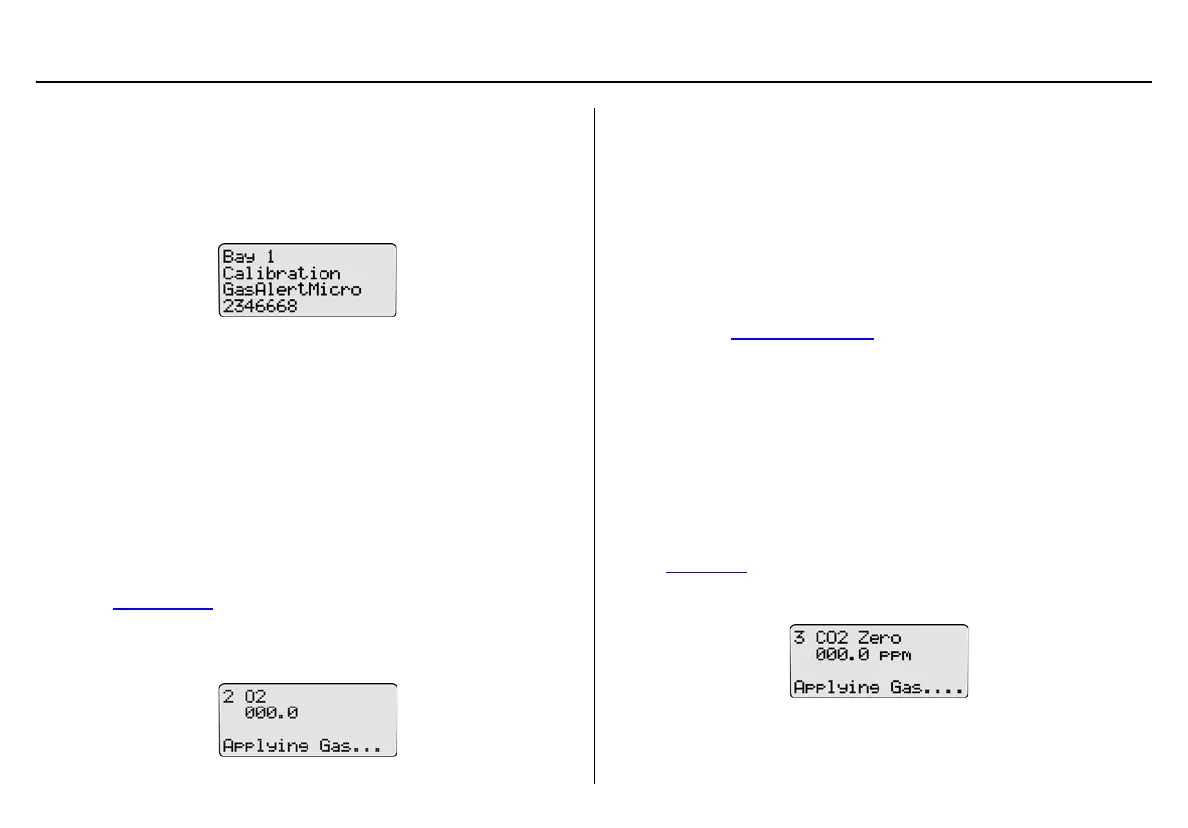
The base station begins the calibration and displays the
• docking module,
• test being performed,
• detector type, and
• detector serial number.
Note
The GasAlertMicro 5/PID/IR beeps and flashes two times when
calibration begins. The GasAlertMicroClip, GasAlertMax XT,
and GasAlertQuattro beep and flash once.
a Important
If the Automatic Datalog Download (GasAlertMicroClip,
GasAlertMax XT, GasAlertQuattro only) is enabled in Fleet
Manager II, data transfer automatically begins during the purge.
Do not remove the detector until the DATA TRANSFER PASS LED
lights, otherwise the transfer will fail.
5. If there is a gas conflict or a selected gas cannot be found, refer
to Gas Conflicts
.
6. If there are no gas conflicts, the base station then applies the
gas.
If more than one gas is being applied, the base station performs
a purge between each gas. Depending upon the gas type, the
purge time(s) will vary.
Note
If Automatic Datalog Download is enabled in Fleet Manager
II, GasAlertMicroClip, GasAlertMax XT, and GasAlertQuattro
automatically deactivate after the transfer is complete. To
bypass the shutdown, remove the detector within 15 seconds
after the DATA TRANSFER PASS LED lights.
7. Refer to Calibration Results
.
GasAlertMicro 5 IR with CO
2
Sensor
Note
If calibrating a GasAlertMicro 5 IR detector, the base station
automatically zeroes and then calibrates the CO
2
sensor first.
1. The base station zeroes the CO
2
sensor. The CO
2
sensor can
only be zeroed using nitrogen (N
2
).
Ensure N
2
has been configured to an inlet. If required, refer to
Inlet Setup
.
2. The base station applies the gas.



 To Next Page