MicroDock II
User Manual
38
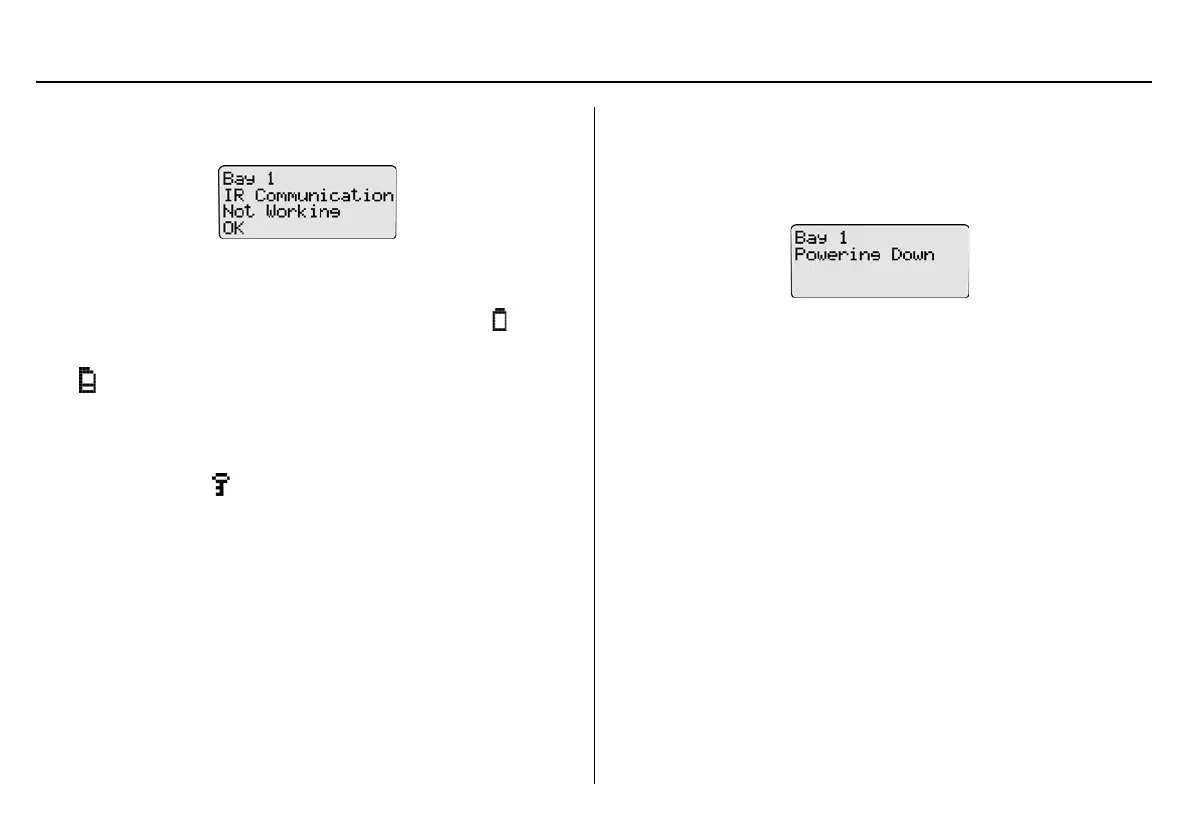
If a detector is inserted but not activated, the LCD displays the following
message.
Press
C OK to acknowledge the error message.
Batteries: The batteries are tested during activation and continuously
thereafter. If battery power is extremely low, low battery icon flashes.
MultiMediaCard (MMC) / Secure Digital (SD) Card: The MMC/SD card
icon ( ) displays continuously on the base station LCD during normal
operation when the MMC/SD card is inserted. The MMC/SD card
records a variety of data.
Pass Code Protection: If the base station is pass code protected, the
pass code protect icon displays on the base station LCD during nor-
mal operation.
Deactivating the Base Station
To deactivate the base station, it must be in normal operation. From the
normal operation screen, press and hold
C (the rightmost button) until
Powering Down displays.
The powering down screen displays briefly before the base station deac-
tivates.



 To Next Page