31
MicroDock II
Adding Another Docking Module
1. Deactivate the base station.
2. Remove the power cord from the POWER port. If applicable,
remove the charger cord from the CHARGER port.
3. Remove the end plate. There are three Phillips screws on the
front and three Phillips screws on the back.
4. Attach the new docking module.
Ensure the barbed fitting ports mate correctly with the gasket
block. Ensure that the male and female PCB connectors mate
correctly.
Initializing the New Docking Module
When a new docking module is connected, it must be initialized (setup to
communicate with the base station).
5. Simultaneously press and hold
C BUMP CHECK on the new
docking module while pressing
C (leftmost button) on the base
station.
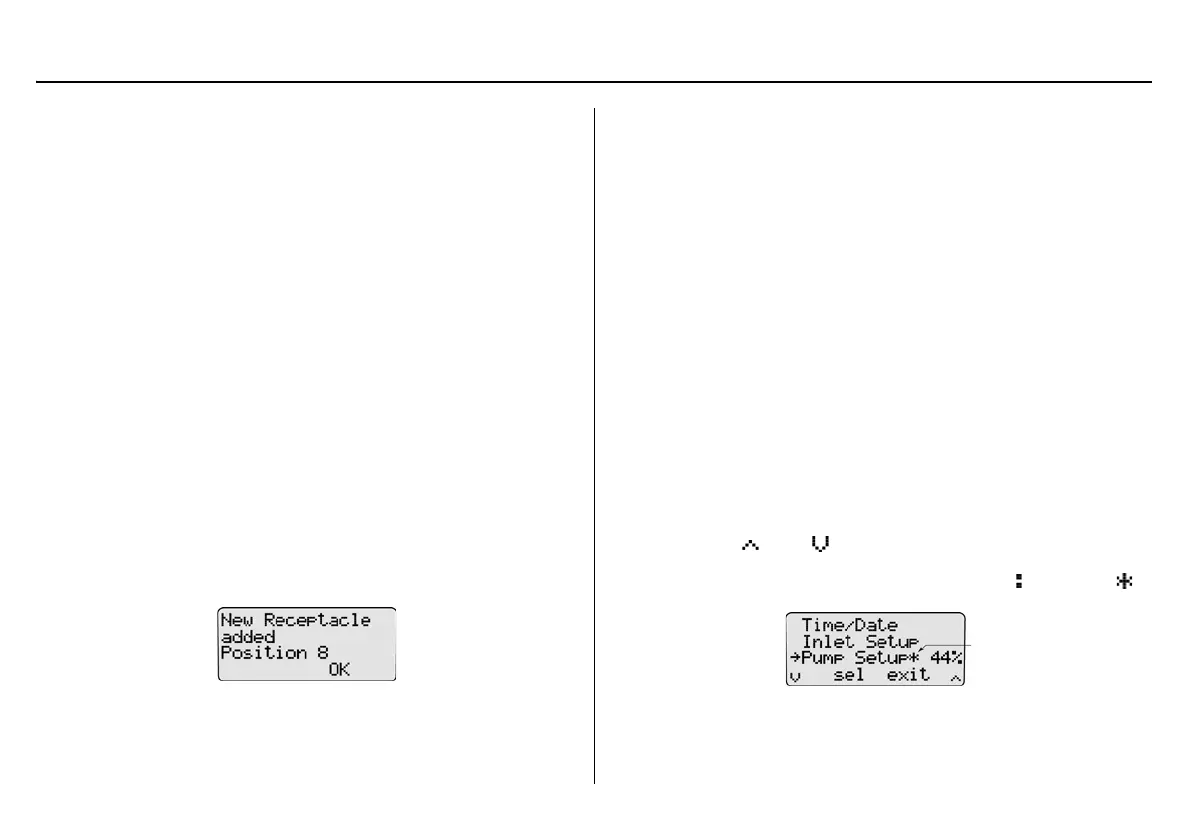
6. All of the LEDs on the new docking module light. On the base
station LCD, the following screen displays to confirm that the
new docking module has been successfully added.
7. Press
C OK.
8. Deactivate the base station.
a Caution
The base station must be deactivated after each module has been
added.
Defining Pump Speed
The pump speed must be defined for each new docking module that is
connected.
a Warning
Perform the pump setup procedures in a safe atmosphere only.
9. Reactivate the base station and wait until it enters normal opera-
tion.
10. Connect a hose to a flow meter and to inlet 1 (PURGE) on the
base station.
Allow the flow meter sufficient time to stabilize (approximately 30
minutes) before using it to ensure accurate flow readings.
11. From the base station, access the user options menu.
12. Press
C or C to scroll to the Pump Setup option.
13. Press
C sel to activate the pump setup field ( changes to ).
The base station immediately begins pumping the ambient air.



 To Next Page