MicroDock II
User Manual
44
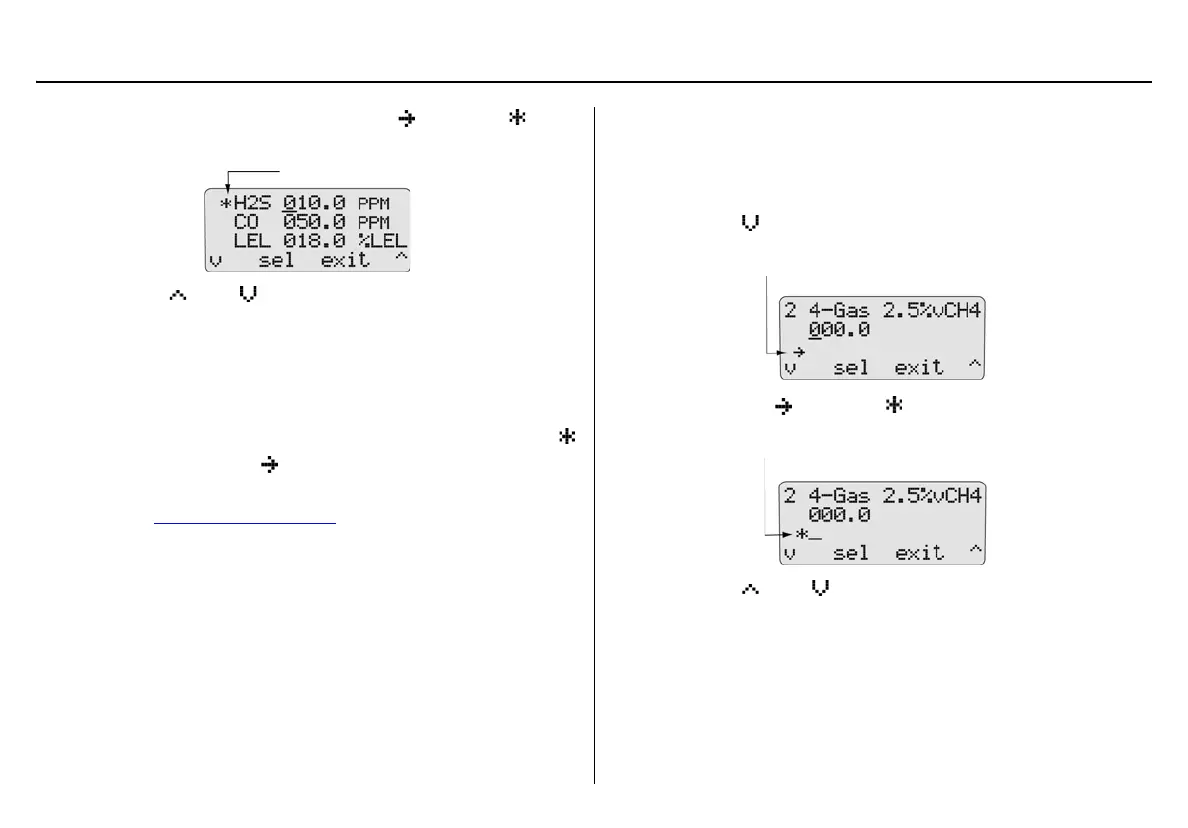
Press C sel to select the required gas. changes to and
the cursor automatically displays below the first value.
13. Press
C or C to scroll to the required value. Press C
sel to save the new value.
Or
Press
C sel to retain the current value. The cursor automatically
moves to the next value.
14. Repeat step #13 for the remaining values, then press
C exit.
then changes back to .
15. To enter a lot number for the corresponding gas cylinder, pro-
ceed to Gas Cylinder Lot # Field
.
Or
Press
C exit to return to the user options menu.
16. Press
C exit again to return to normal operation.
Gas Cylinder Lot # Field
Although this field is designed to enter the lot number of the correspond-
ing gas cylinder, other types of data can be entered. A maximum of 14
characters (letters and/or numbers) can be selected.
17. Press
C to move down to the lot number field. Initially this
field is blank.
18. Press
C sel. changes to and the cursor displays for the
first value.
19. Press
C or C to scroll to the first desired letter/number.
Press
C sel to accept the value and automatically move the
cursor to the next space.



 To Next Page