MicroDock II
User Manual
66
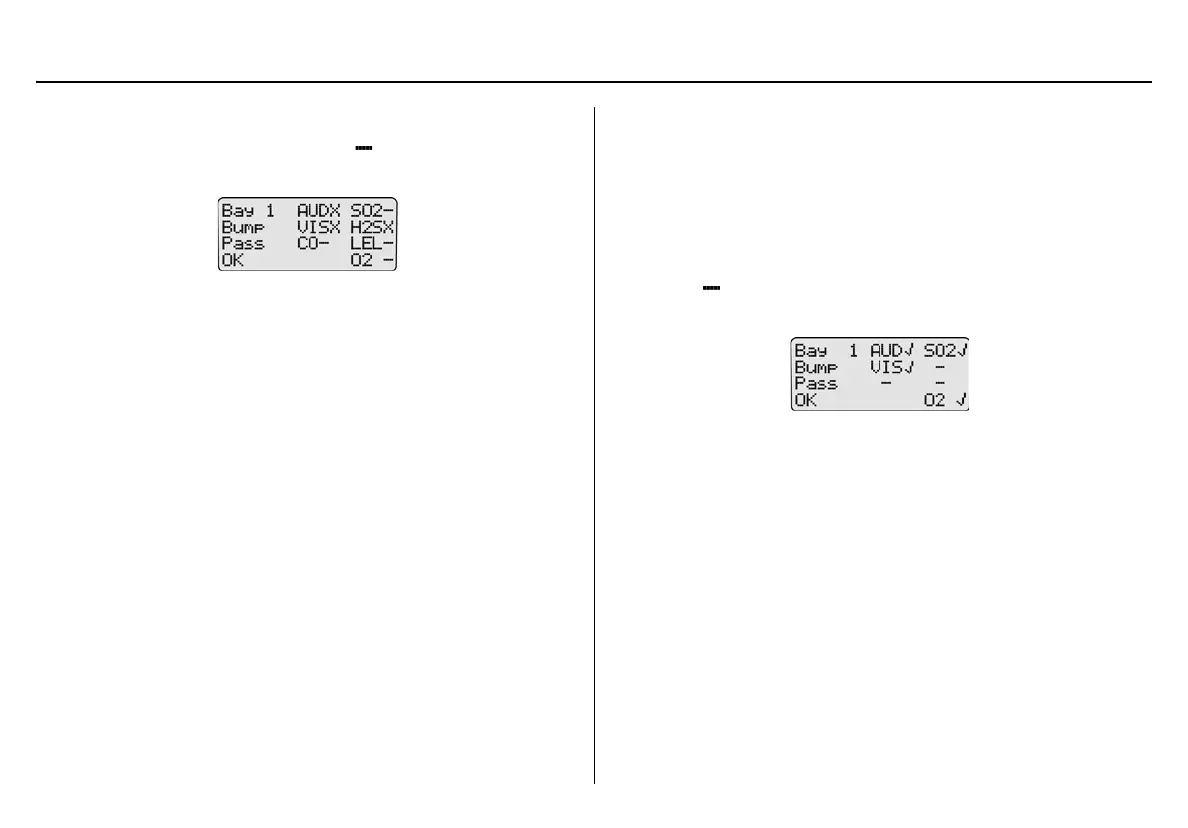
Incorrect Inlet Setup
If an inlet is not setup correctly, a hyphen ( ) displays beside the gas
type.
Example: SO
2
, CO, LEL, and O
2
gases were not detected.
If a test gas fails, verify that the
• gas cylinder is not empty,
• connections are attached correctly,
• inlets are setup correctly, and
• gas concentration exceeds the low alarm setpoint (applicable to
GasAlertClip Extreme, GasAlert Extreme, and GasAlertMicro
only).
Sensor Disabled
a Warning
To prevent personal injury and/or property damage, enable or
replace the sensor immediately. Refer to the corresponding
detector user manual or technical reference guide for sensor
replacement procedures.
If a sensor is disabled, results from the sensor do not display on the base
station LCD. displays where the gas type typically displays on the
LCD.
Note
If a sensor is disabled, it is not recorded in the results log.



 To Next Page