MicroDock II
User Manual
58
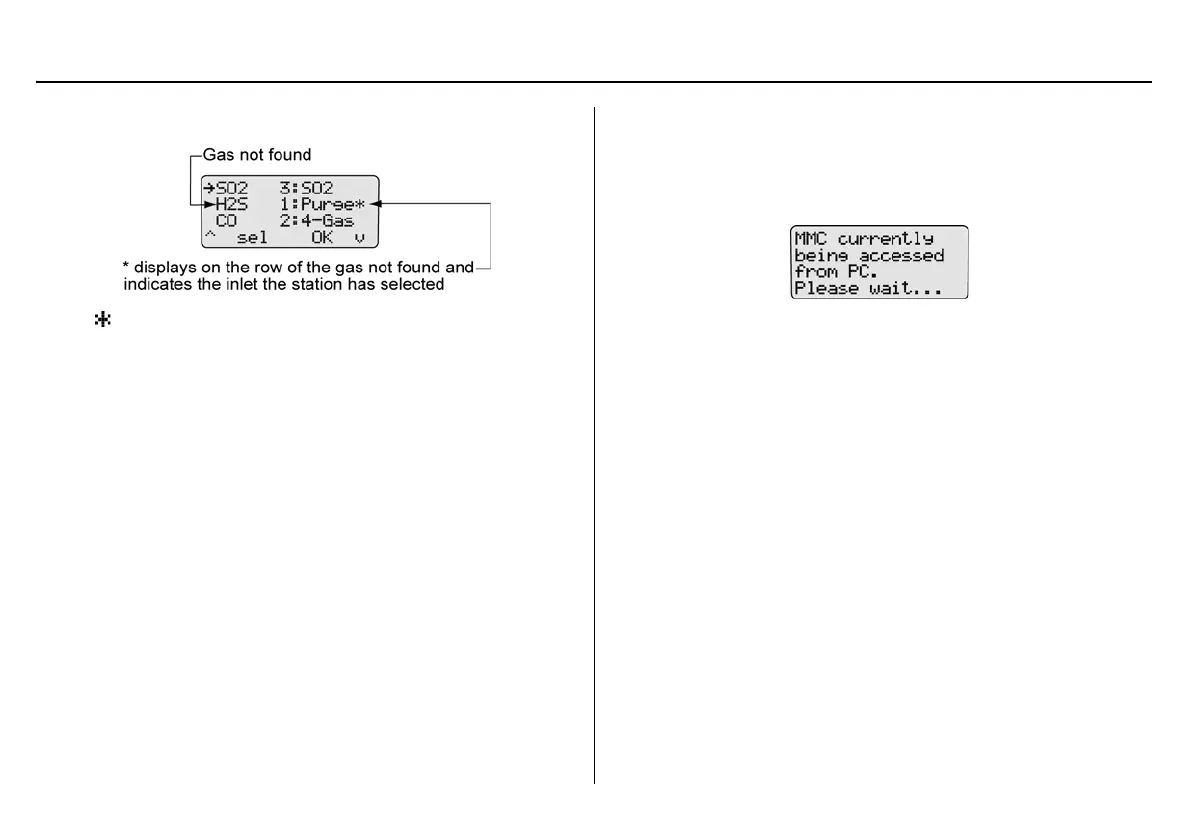
The gases display.
displays on the far right side of the gas that cannot be found.
The base station automatically defaults to the Purge inlet.
2. Press
C OK to accept the default Purge inlet.
Or
Press
C sel to select a different inlet.
Note
For gases not found: If
C sel is not pressed within 30 sec-
onds, the base station automatically defaults to the Purge inlet.
3. If required, repeat steps #1-2 for any additional gases not found
and confirm the following:
• Ensure that the selected inlet is correct.
• Ensure that the gas cylinder attached to the selected inlet
is correct.
• Press
C OK to accept the base station’s default selec-
tion.
Accessing the MMC/SD Card During a Test
If an attempt is made to access the MMC/SD card on the base station
from a PC while a bump test or calibration is being performed, the follow-
ing screen displays.
Note
BW recommends that bump tests and calibrations be com-
pleted before accessing test results from the PC.



 To Next Page