45
MicroDock II
User Options Menu
20. Repeat step #19 for the remaining values.
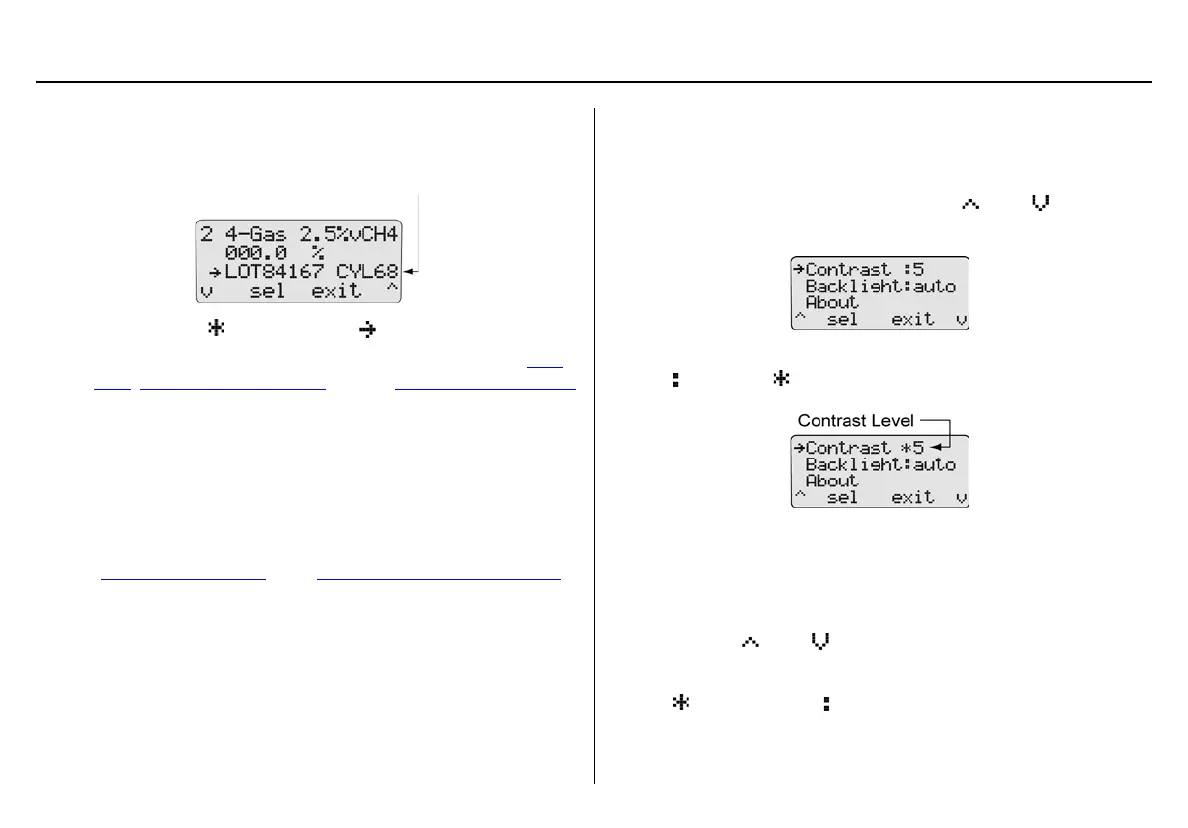
The following screen displays the corresponding lot number for
the attached gas cylinder.
21. Press
C exit. changes back to .
22. To setup another inlet, repeat the procedures listed in the Gas
Type, Gas Concentration Level, and the Gas Cylinder Lot # Field
sections.
23. When all of the entries are completed, press
C exit to return to
the user options menu.
24. Press
C exit again to return to normal operation.
Pump Setup
Refer to Defining Pump Speed in the Adding Another Docking Module
section.
Contrast
Contrast brightens or darkens the LCD. To adjust the contrast level,
complete the following:
1. From the user options menu, press
C or C to scroll to
the Contrast option.
2. Press
C sel to confirm the selection and access the field
( changes to ).
The contrast levels range from 2 (brightest) to 10 (darkest).
Note
The base station is shipped with the contrast level defined
as 5.
3. Press
C or C to select the desired contrast level.
4. Press
C sel to save the new value and exit the field
( changes back to ).



 To Next Page