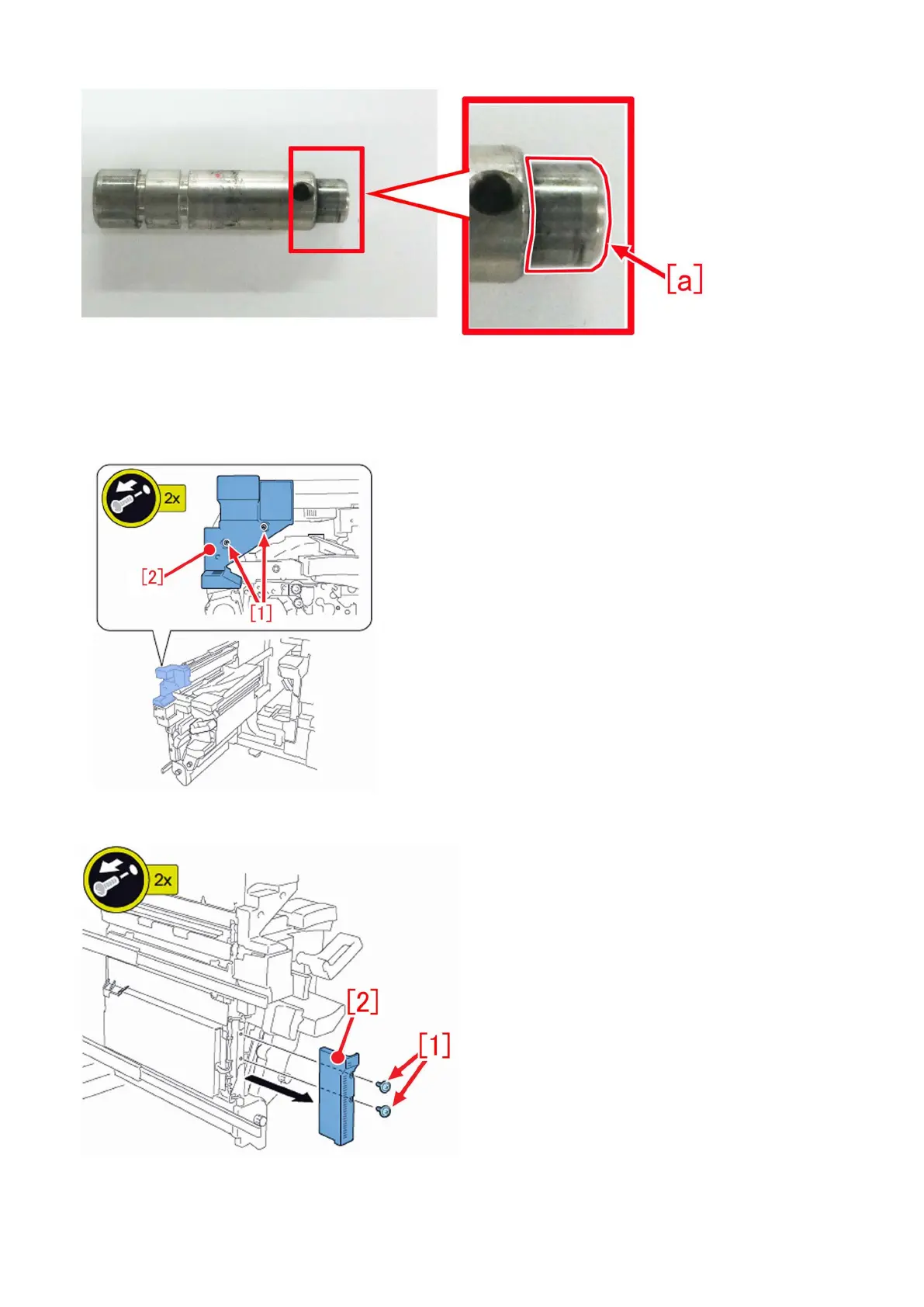
a-8) Assemble the decurler drive shaft by reversing the procedure from the stepa-5).
b) Step to replace the decurler drive shaft 1 (FC6-8472-010)
b-1) Remove the 2 screws [1] and remove the delivery reverse cover 1 [2].
b-2) Remove the 2 screws [1] and remove the delivery reverse cover 4 [2].
b-3) Remove the 2 screws [1], and remove the delivery reverse cover 2 [3] while lifting the lever (C-B2) [2].
141











 To Next Page