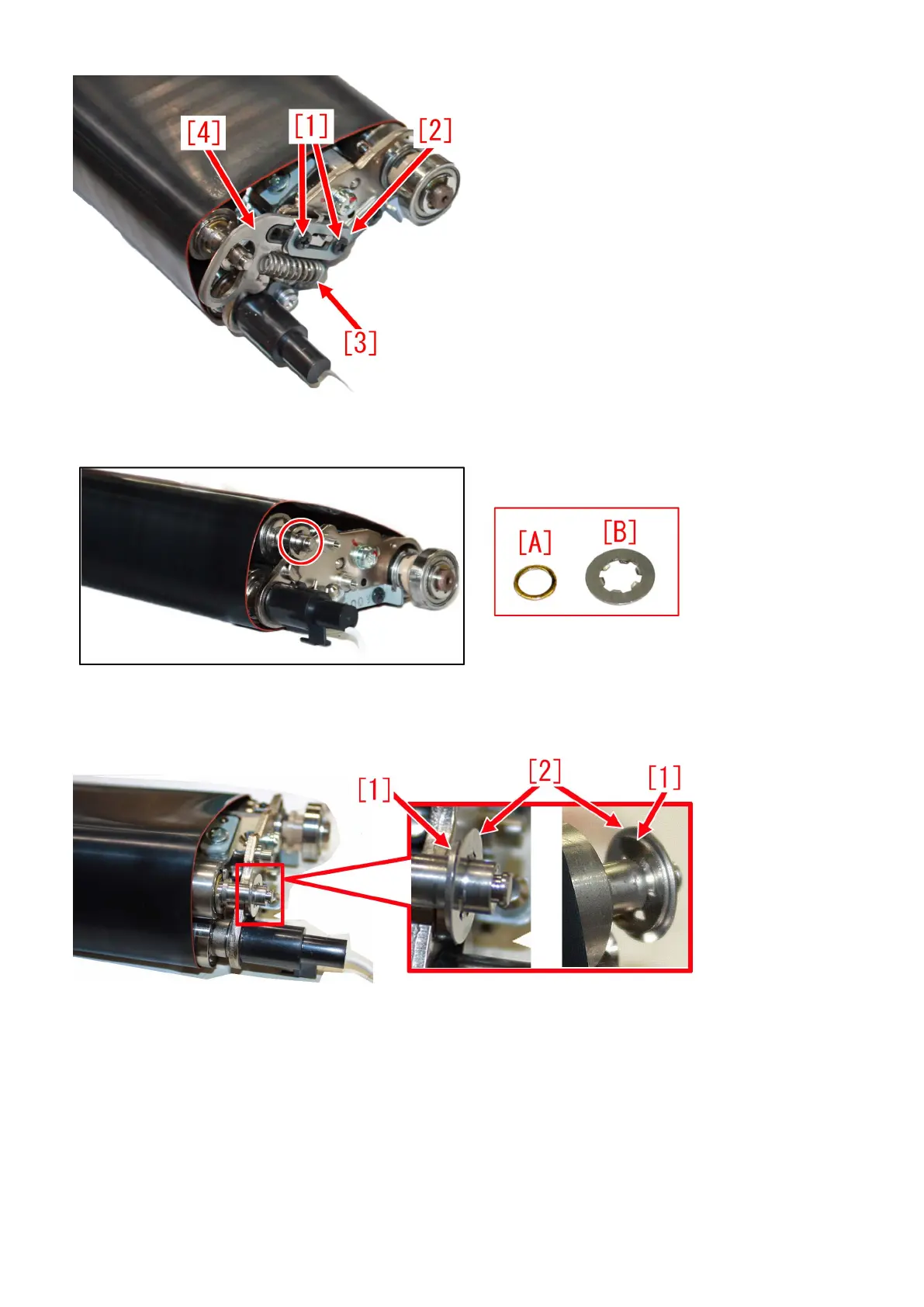
4) Remove the washer [A] from the transmission shaft, and replace with the new type toothed lock washer (FE2-A267-000)[B].
On this occasion, replace the transmission shaft with the new transmission shaft at the same time.
[Reference] Photo below show the status with the new type toothed lock washer [2] attached. There is no difference between the
two sides of the new type toothed lock washer. Photo at the right end below is a view from the rear side so that the status of the
E-ring [1] could be seen.
5) Assemble the parts by following the procedure 3) in reverse order.
[Reference]
- When installing a tensioner stopper [1] and a stopper retaining plate [2], set the parts as shown in the photo below, lay a part
upon another, and then screw them on in the order of screw [3], and then screw [4].
88











 To Next Page