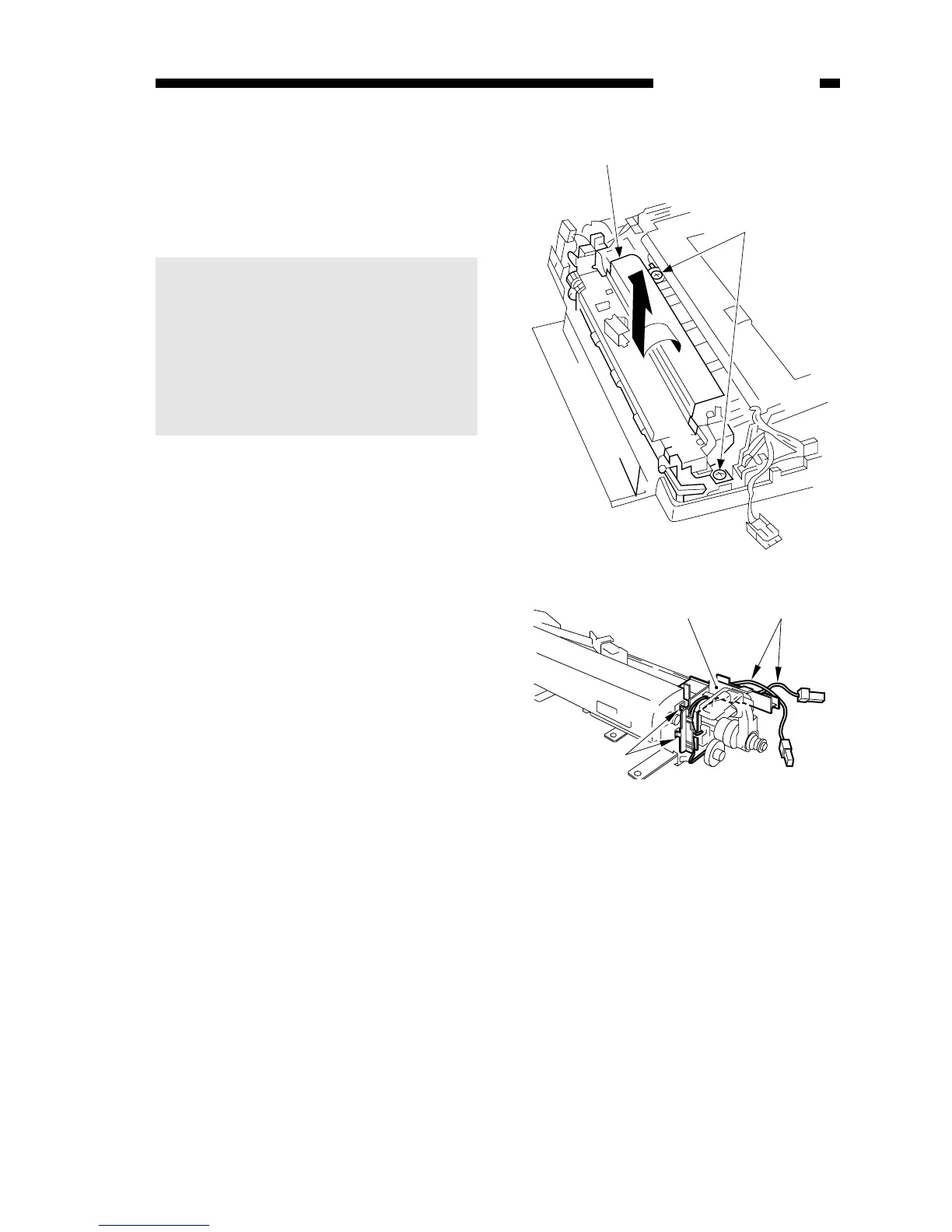
Figure 6-205A
Figure 6-206A
3. Removing the Fixing Upper Unit
1) Remove the fixing assembly.
2) Remove the harness q, and remove
the hook w; then, remove the
harness holder e.
5) Remove the two screws (M4X8;
yellow) t, and turn the fixing
assembly y slightly in the direction
of the arrow to remove.
Caution:
1. You cannot replace the fixing
film or fixing heater; do not
disassemble them.
2. Do not forget to attach the drive
belt of the heat exhaust fan to
the pulley when attaching the
fixing assembly.



 To Next Page