Number Pane Description
1 [Original] The [Original] pane shows the settings you can de-
fine for the paper originals
2 [Output] The [Output] pane shows the generic settings you
can define for the whole job
3 [Jobs] The [Jobs] pane shows the settings you can define
for the job
4 Preview The preview displays the settings you defined for
the output.
5 Action buttons The action buttons indicate the actions you can car-
ry out.
With the optional [Page programming] function,
you can insert pages and define the media and fin-
ishing settings for the page ranges in a job.
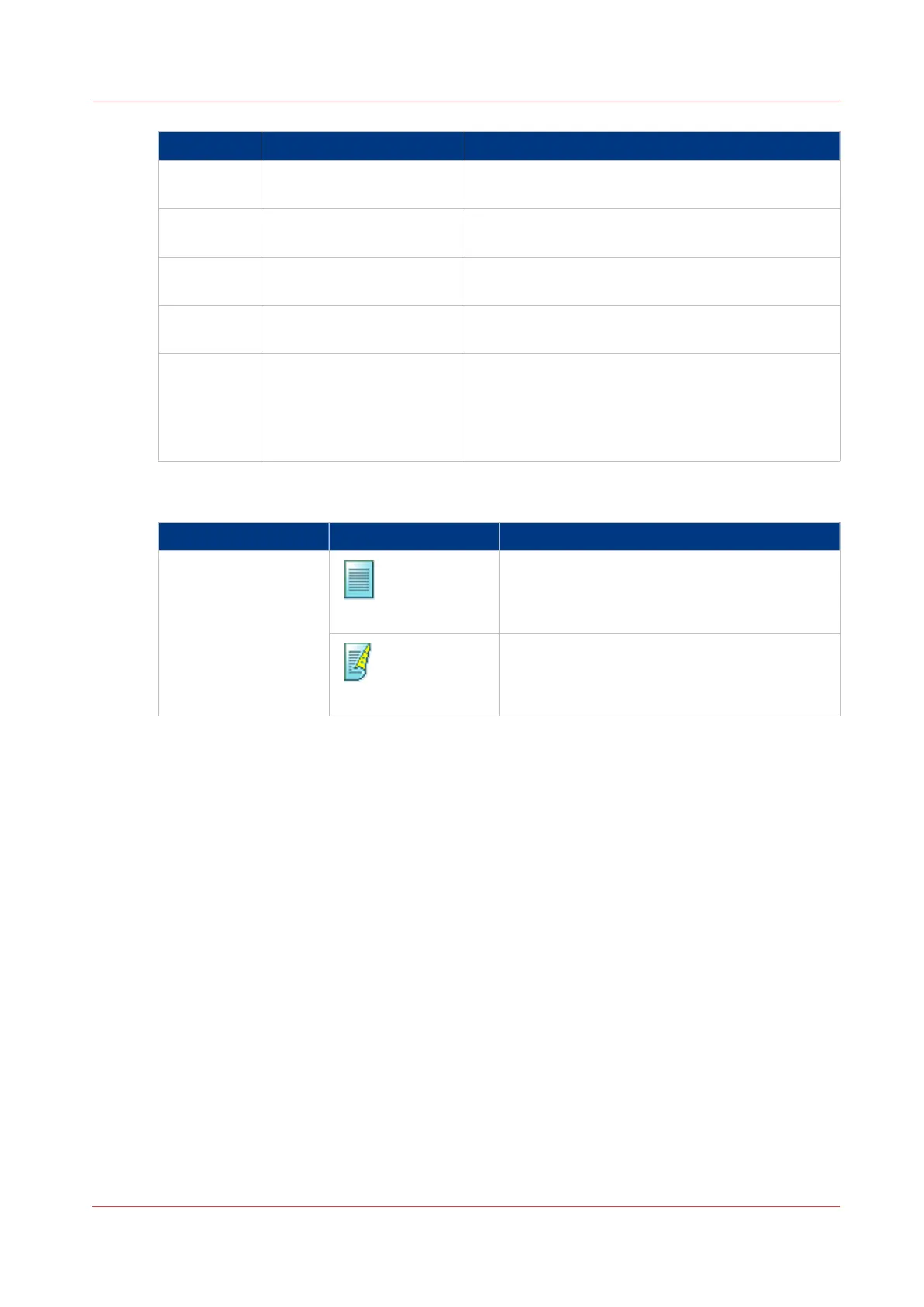
[1- or 2-sided]
Setting Values Description
[1- or 2-sided]
[1-sided]
The output contains an image on one side.
[2-sided]
The output contains an image on both sides.
Description of the Print Job Settings that You Can Change on the Control Panel
Chapter 6 - Carry Out Print Jobs
133
Canon varioPRINT 135 Series














 To Next Page