Setting Values Description
[Print delivery] 2 [Sheet order]
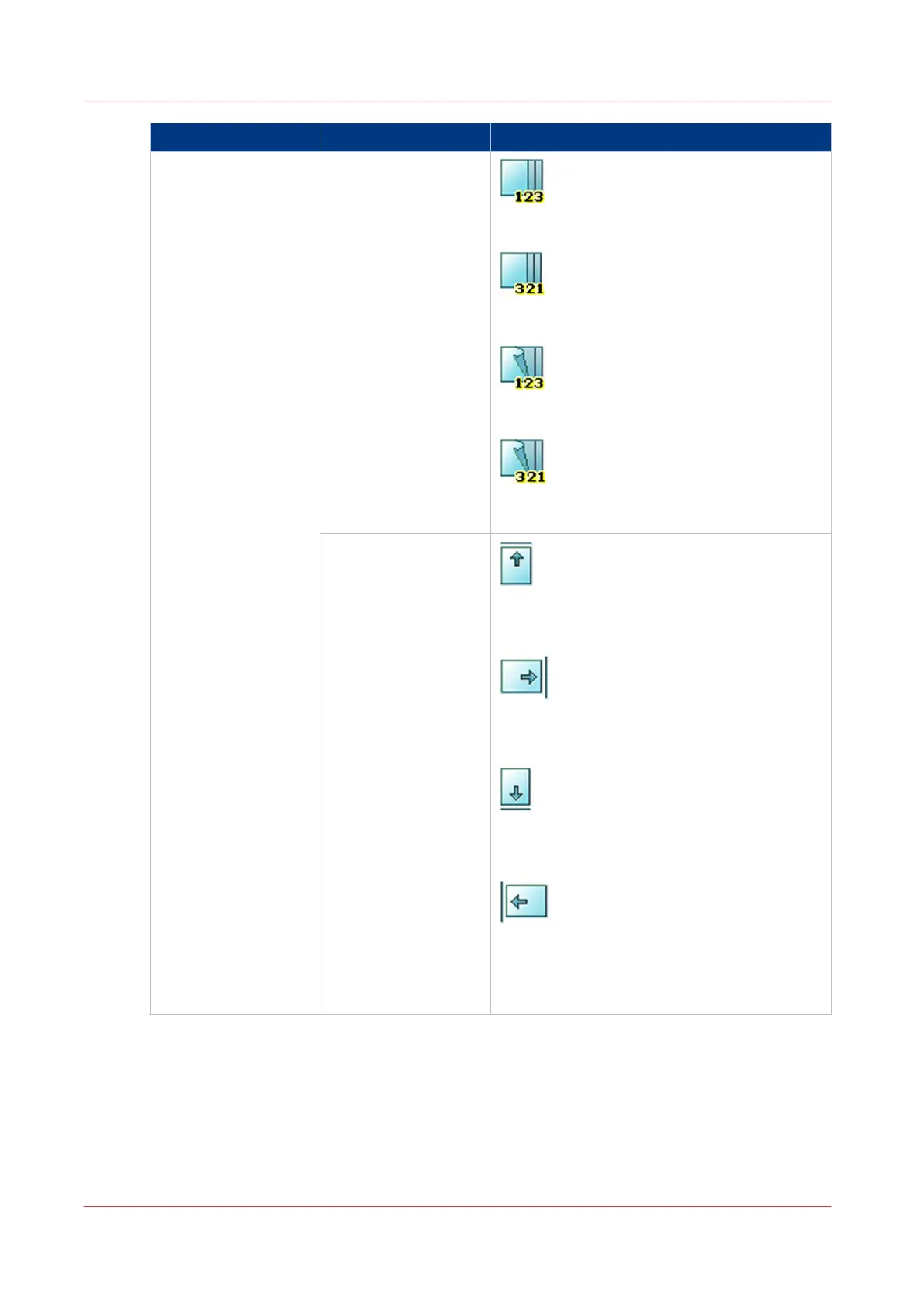
[Face up]
Deliver the prints face up, first sheet on top.
[Face up reverse]
Deliver the prints face up, last sheet on top.
[Face down]
Deliver the prints face down, first sheet on top.
[Face down reverse]
Deliver the prints face down, last sheet on top.
[Sheet orientation]
[Header up LEF]
Deliver the prints with the header on top side
and in portrait position (vertical).
[Header up SEF]
Deliver the prints with the header on top side
and in landscape position (horizontal).
[Header down LEF]
Deliver the prints with the header at the bot-
tom side and in portrait position (vertical).
[Header down SEF]
Deliver the prints with the header at the bot-
tom side and in landscape position (horizon-
tal).
4
Description of the Print Job Settings that You Can Change on the Control Panel
140
Chapter 6 - Carry Out Print Jobs
Canon varioPRINT 135 Series














 To Next Page