Setting Values Description
[Trimming] [None] No trimming of the document.
[Trim size]
You can indicate the amount of trimming at
the long edge and short edge (from 2.0 mm to
20.0 mm / 0.08" - 0.80")
[Finishing size]
You can indicate the size of the resulting docu-
ment after trimming. You can either touch
[Size] to select a default media size or manual-
ly define the width and length of the docu-
ment. When you define a non-standard media
size, the [Size] box displays [Custom].
[Punching]
This option is only available when you have a punching unit connected.
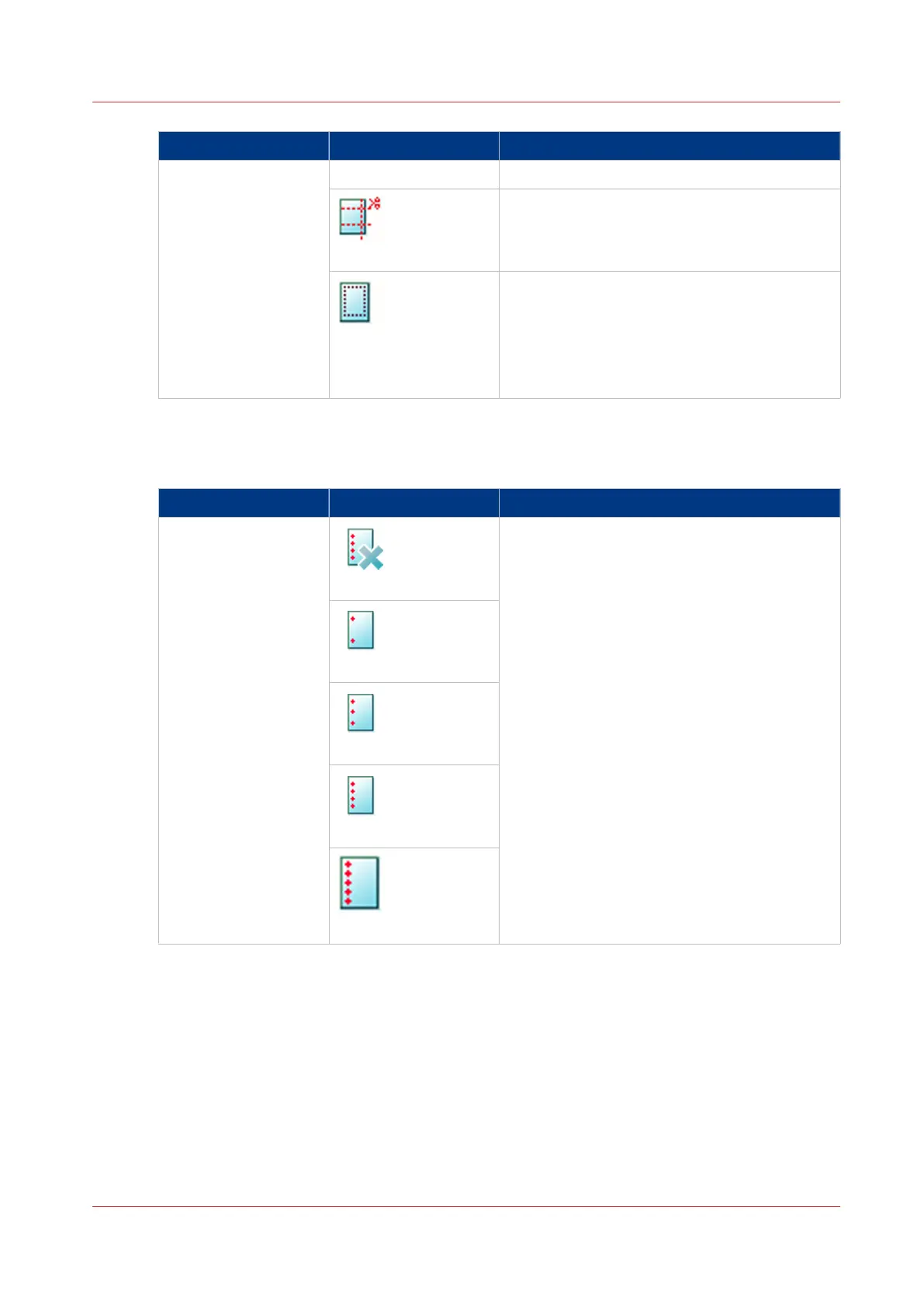
Setting Values Description
[Punching]
[None]
Here you can select the required number and
the location of the punch holes.
Location:
• [Left]
• [Top]
• [Right]
• [Bottom]
[2 holes]
[3 holes]
[4 holes]
[Die set dependent]
Description of the Print Job Settings that You Can Change on the Control Panel
Chapter 6 - Carry Out Print Jobs
145
Canon varioPRINT 135 Series














 To Next Page