[Output] Settings - [Binding edge]
Setting Values Description
[Binding edge]
[Auto]
The automatically set value for this setting.
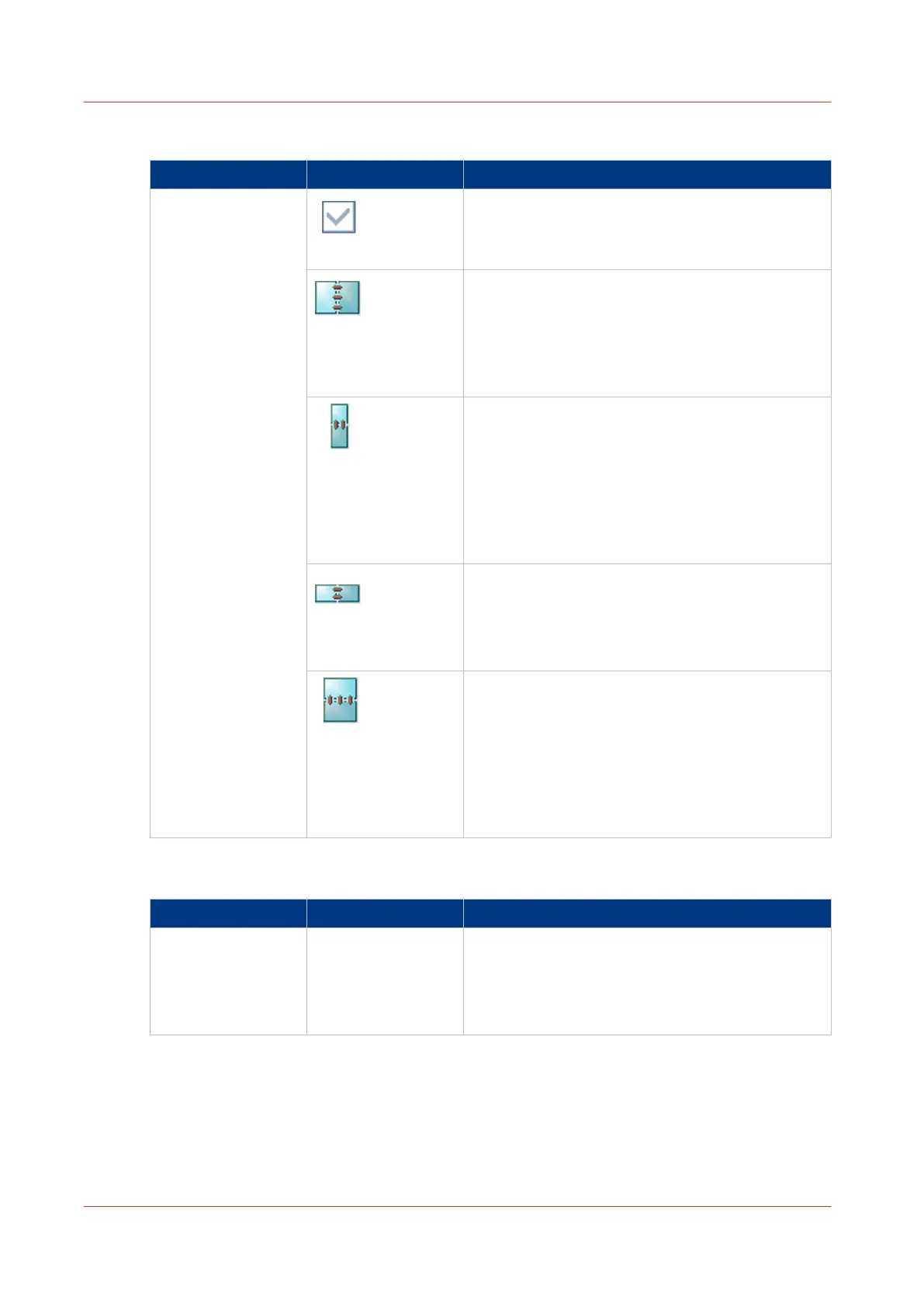
[Portrait left]
• The output has a vertical format (height >
width).
• The binding edge is at the left-hand side.
• When you turn a sheet over the binding edge,
the image or text on the back of the sheet is in
readable form.
[Portrait top]
• The output has a vertical format (height >
width).
• The binding edge of the print is at the top.
• When you turn a sheet over the binding edge
the image on the back side of the sheet is in
readable form. This means that every back side
of a two-sided print is upside down compared to
the front side.
[Landscape left]
• The output has a horizontal format (width >
height).
• The binding edge of the print is on the left side.
• When you turn a sheet over the binding edge,
the text or image is in readable form.
[Landscape top]
• The output has a horizontal format (width >
height).
• The binding edge of the print is at the top.
• When you turn a sheet over the binding edge,
the image on the back side of the sheet is in
readable form. This means that every back side
of a two-sided print is upside down compared to
the front side.
[Output] Settings - [Media]
Setting Values Description
[Media] Names of the media
in the media cata-
logue
Here you can select the media for the copy job.
The list displays all the media that are available in
the media catalogue. The media catalog is a list of
media that you can define in the Settings Editor
application on the PRISMAsync controller.
Description of the Copy Job Settings
222
Chapter 7 - Carry Out Copy Jobs
Canon varioPRINT 135 Series














 To Next Page