[Print delivery]
Setting Values Description
[Print delivery] 1 [Output location] Select the output location for the job. Depend-
ing on the settings for your copy job, the ma-
chine automatically suggests the preferred
output location for your job. However, you can
manually overrule this suggestion.
• [Stacker/stapler upper tray]
Deliver the prints at the upper tray of the
stacker/stapler.
• [Stacker/stapler lower tray]
Deliver the prints at the lower tray of the
stacker/stapler.
• [Stacker/stapler booklet tray]
Deliver the prints at the booklet tray of the
stacker/stapler.
• [Folder main tray]
Deliver the folded prints to the tray at the
bottom of the folder.
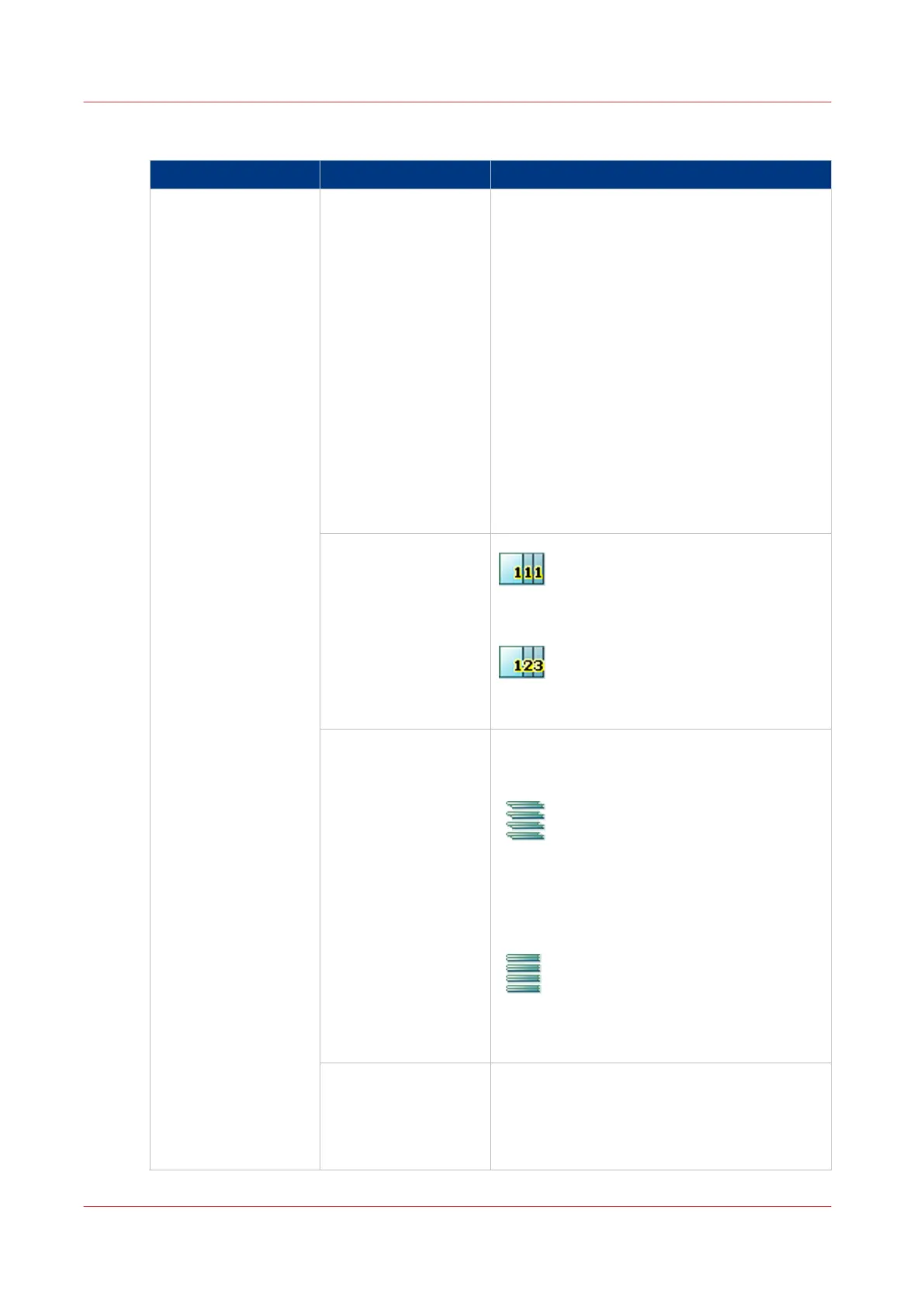
[Sort]
[By page]
The output is sorted by page.
[By set]
The output is sorted by set.
[Offset stacking] This setting is only available when the [Offset
stacking] setting is set to [Sets (as in job)] in
the workflow profile.
[Each set]
Each set delivered to an output location will
have a small shift on top of the previous set.
This makes it easier to recognize individual
sets.
[Off]
All the sets or jobs that get to an output loca-
tion are stacked in a straight stack.
[Advanced settings]
It may only be necessary to change the ad-
vanced settings when an offline finisher pro-
cesses sheets in a non-standard way. Please
refer to the finisher manuals for more informa-
tion.
4
Overview of the Available Settings for DocBox Jobs
290
Chapter 9 - Use the DocBox (Option)
Canon varioPRINT 135 Series














 To Next Page