Setting Description
[Fixed] The same account ID is used for all jobs until you select
[Change account ID] or [Clear account ID] under [Sys-
tem] -> [Setup] -> [Accounting] to terminate the fixed ac-
count ID currently in use.
When you use a fixed account ID, the [Account ID] field
in the [Job] pane is grayed out.
NOTE
The [Fixed] setting overrules account IDs that
are indicated in applications or printer drivers.
Therefore, select another accounting mode be-
fore printing jobs that were submitted from an
application or printer driver.
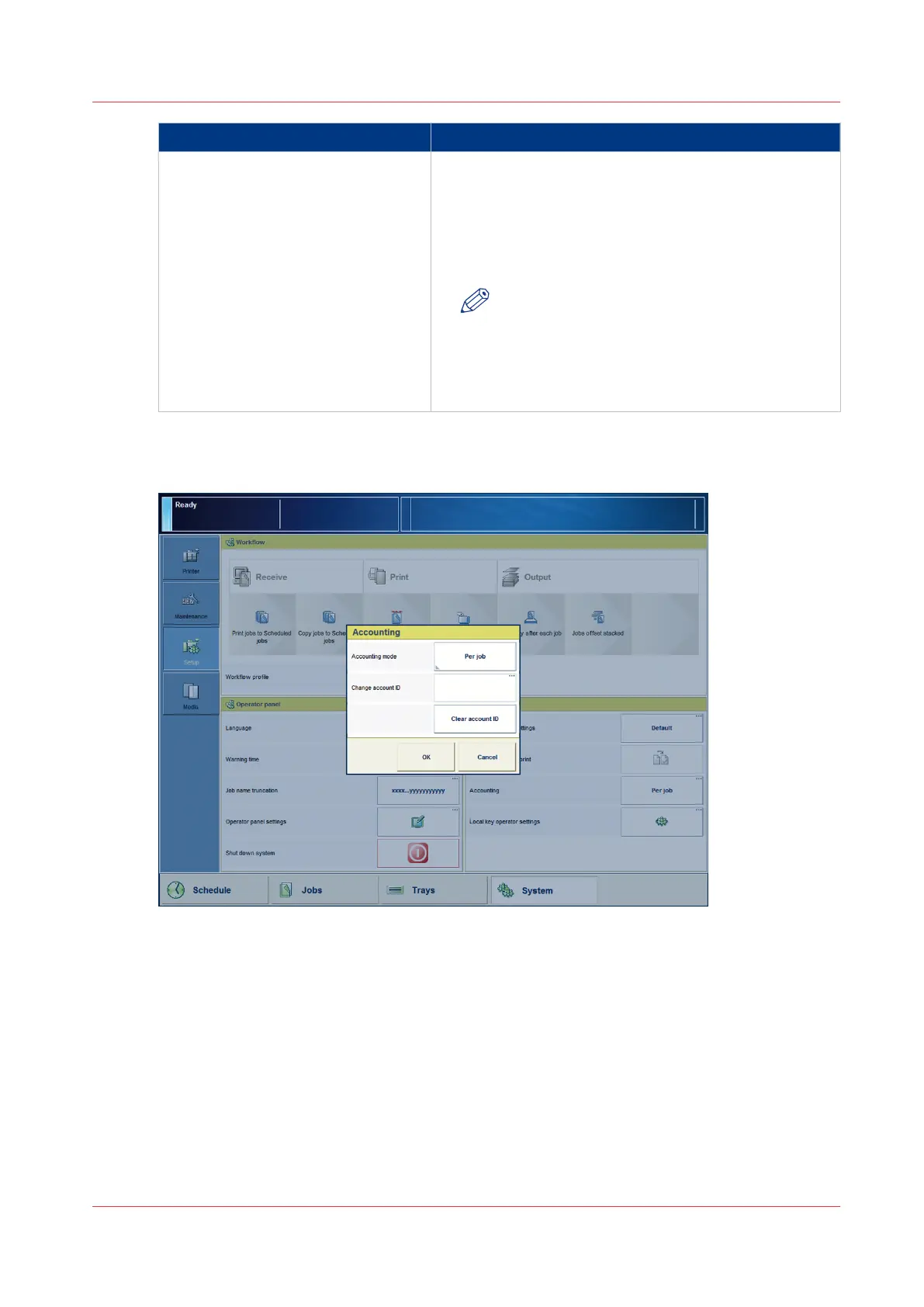
Illustration
[68] Select an accounting mode
Procedure
1.
On the control panel, touch [System] -> [Setup] -> [Accounting].
2.
Press [Accounting mode].
3.
Select the desired setting.
4.
Press [OK].
Select an Accounting Mode
Chapter 15 - Accounting
345
Canon varioPRINT 135 Series














 To Next Page