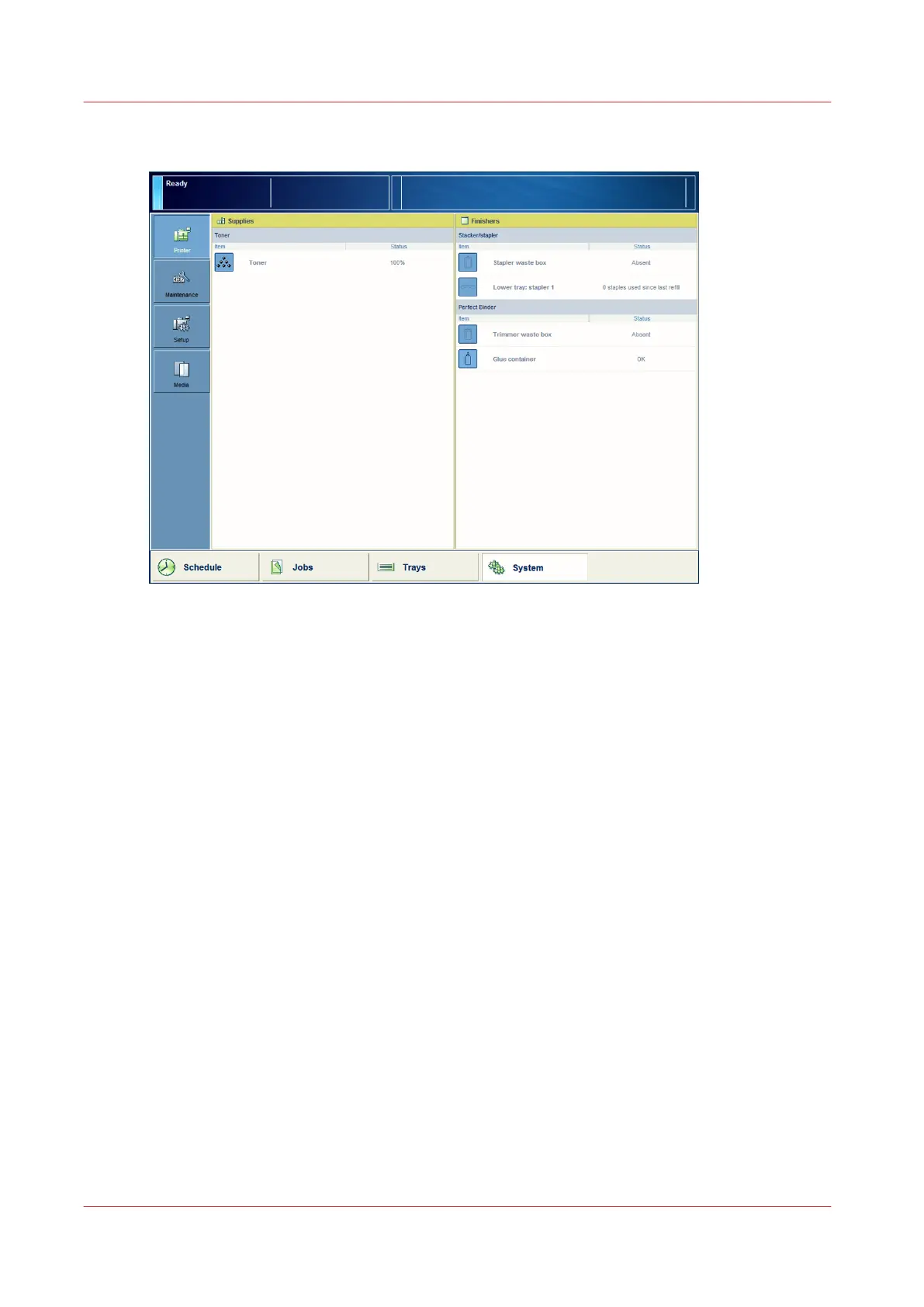
Illustration
[71] Check the status of the staple cartridges
Procedure
1.
Check the staple icon in the dashboard.
2.
When the staple icon is orange or red, go to the [Printer] section of the [System] view to check
which staple cartridge must be refilled.
Check the Status of the Staple Cartridges
354
Chapter 16 - Add Toner and Staples
Canon varioPRINT 135 Series














 To Next Page