Step Action Illustration
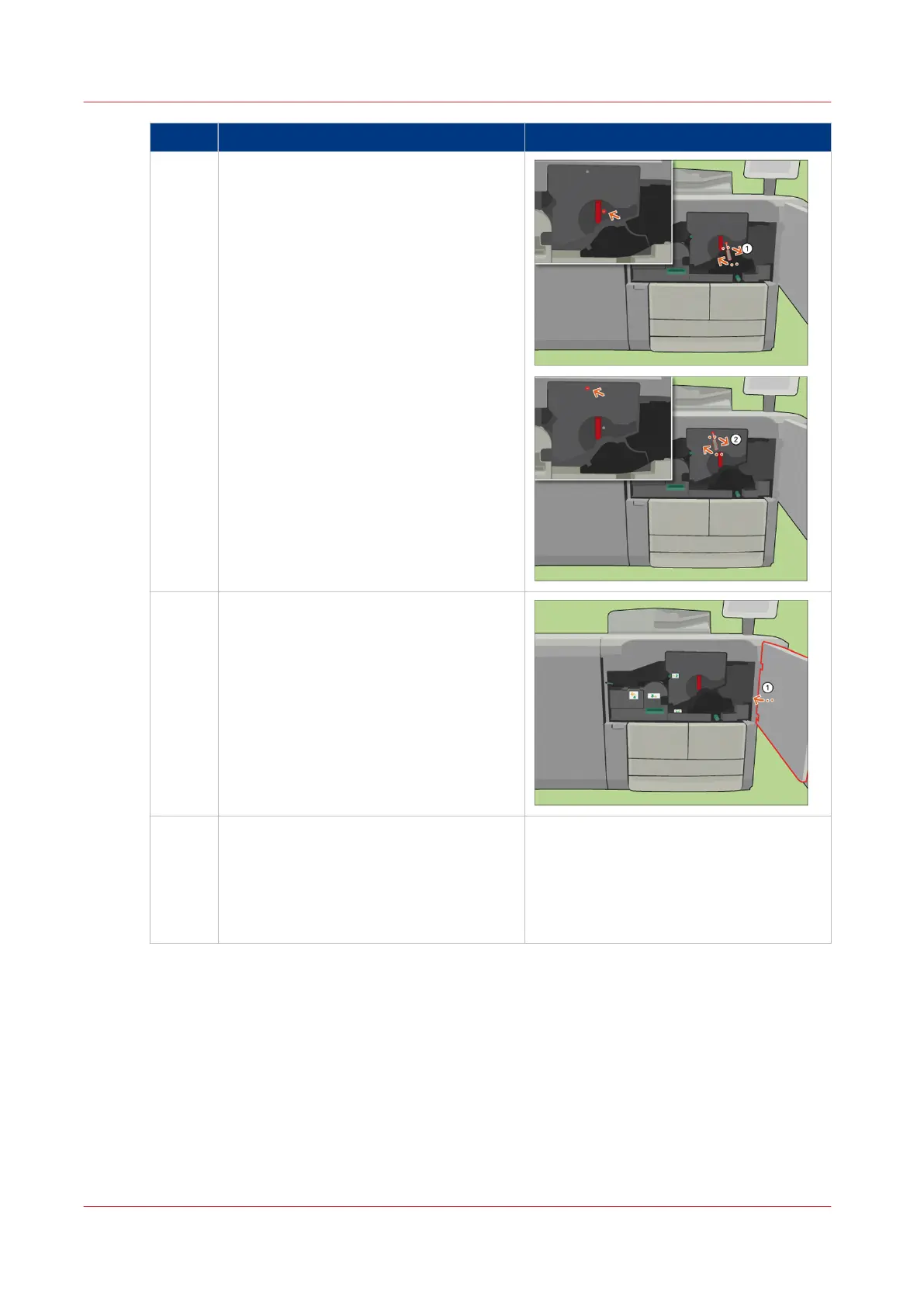
17 [Use the socket wrench to tighten the 2
fixation pens.]
18 [Close the front door.]
19 Answer the question [Which spiral clean-
er did you put back?] with [New] to con-
firm that you installed a new spiral clean-
er.
When you did not replace the spiral clean-
er, touch [Existing].
Remove Paper from the TTF
410
Chapter 18 - Printer Operation Care (POC)
Canon varioPRINT 135 Series














 To Next Page