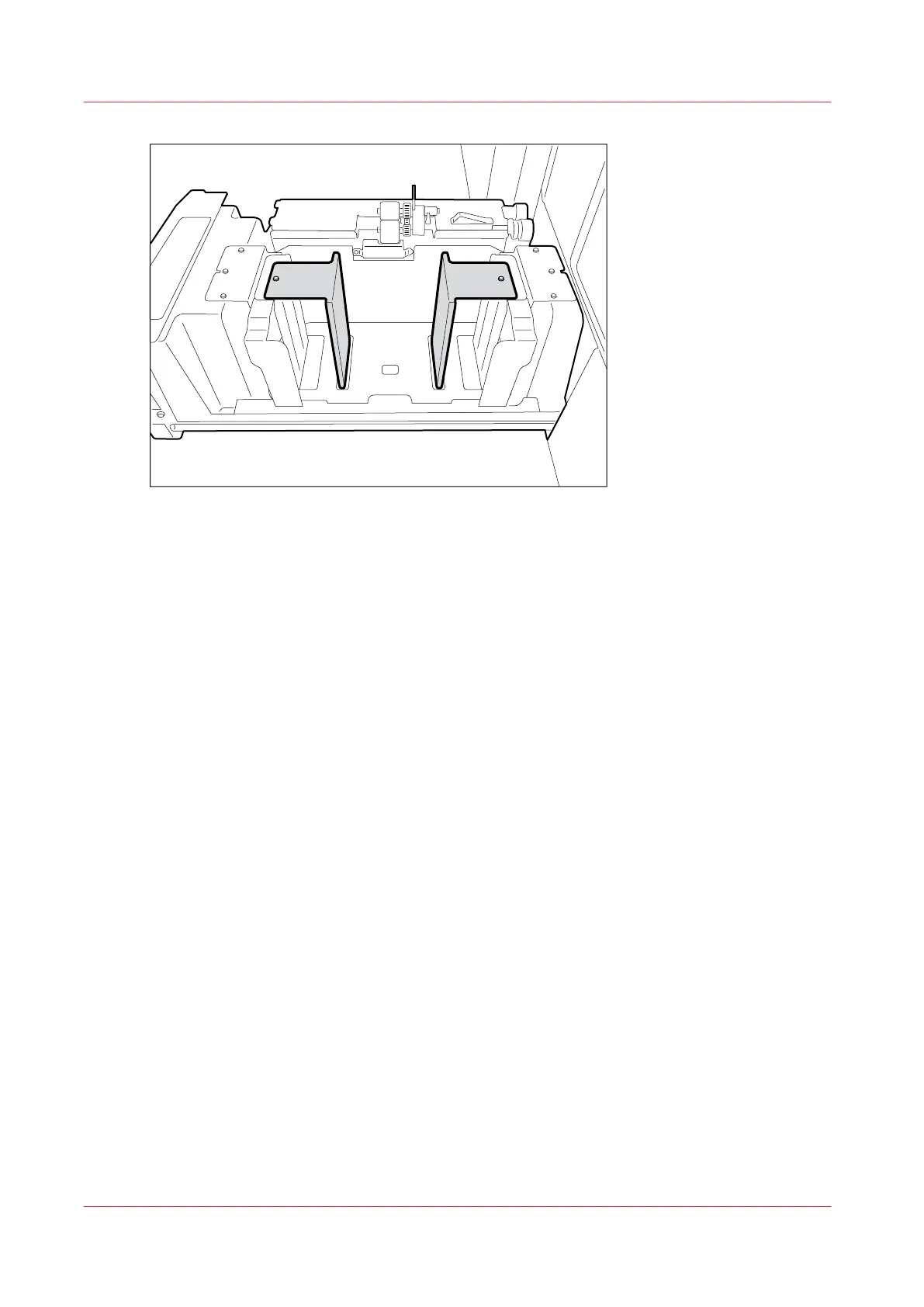
5.
Use the socket wrench to tighten the bolts.
6.
Close the tray.
7.
Change the media size for the selected bulk tray. [System] -> [Setup] -> [Local key operator
settings] (under [Advanced]) -> [System settings] -> [Bulk tray 1 media size] or [Bulk tray 2 media
size].
8.
In the [Trays] view on the control panel, assign the new media to the bulk tray.
Adjust the Size of the optional Bulk Tray for small Format
72
Chapter 5 - Media Handling
Canon varioPRINT 135 Series














 To Next Page