Chapter 4 – How to Use the Illuminator
Section 4.8 – Unload the Processing Set(s)
4-16
Section 4.8 Unload the Processing Set(s)
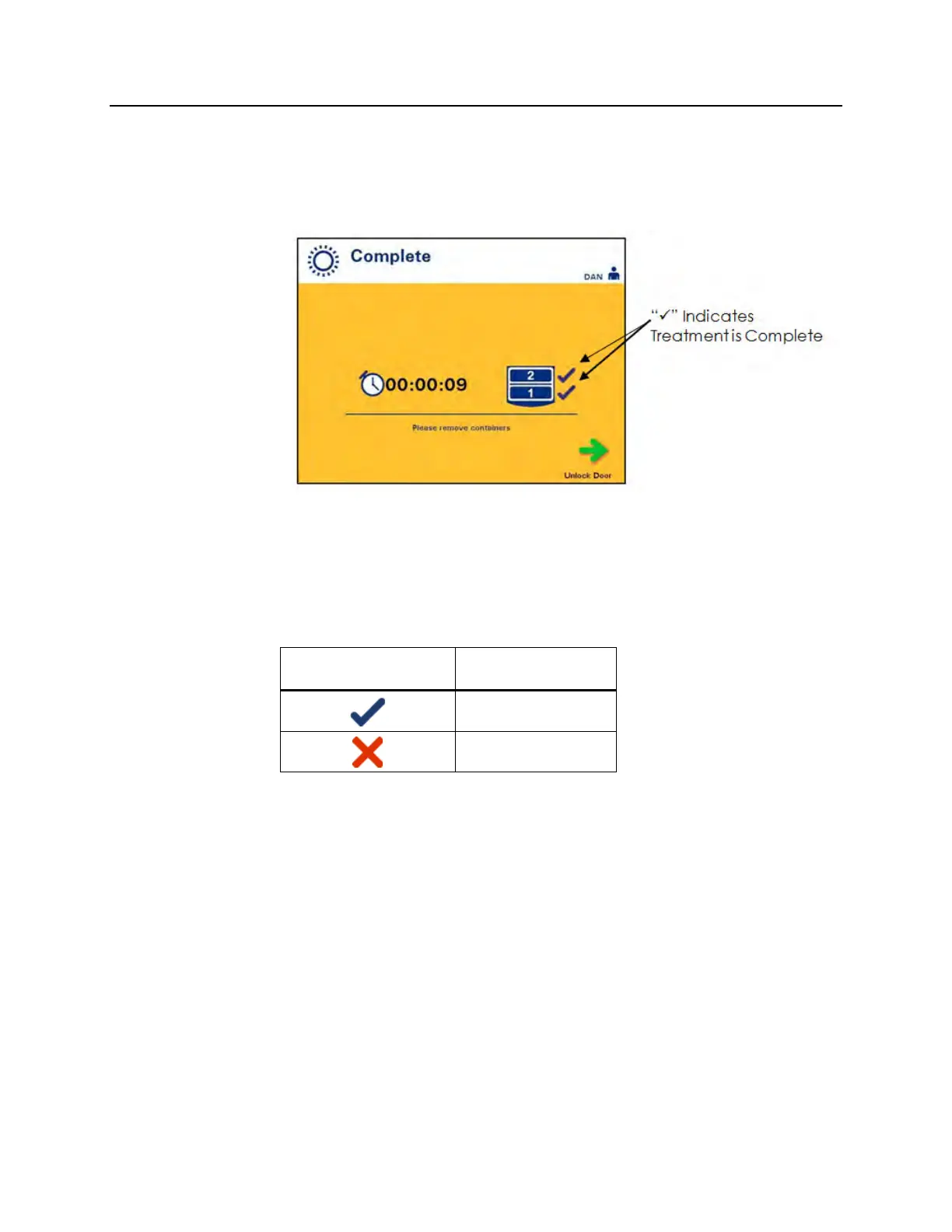
When the illumination of the blood product(s) has finished, the
‘Complete’ screen, which has an orange background, will appear.
• The illuminator will make a pair of triple beep sounds (i.e.,
beep-beep-beep, pause, beep-beep-beep).
If the illumination treatment was properly completed, a “√” mark
will appear next to the chamber icon on the screen. If there was a
problem, an “X” will appear next to the chamber icon.
Symbol Status
Complete
Incomplete
WARNING:
Partial illumination has not been validated for pathogen
inactivation. Do not attempt to re-treat a partially treated unit. Do
not treat a blood product more than once. No claim of pathogen
inactivation can be supported for partially illuminated units and
they should be discarded.
NOTE:
The platelet product(s) should be removed from the illuminator
within 30 minutes of completion. After that, the treatment record(s)
for platelet product(s) will be recorded as Incomplete.
NOTE:
The plasma product(s) should be removed from the illuminator
according to your facility’s procedure for freezing plasma after
completion of illumination. After 8 hours, the treatment record(s) for
the plasma product(s) will be recorded as Incomplete.



 To Next Page