Chapter 3 – Illuminator Description
Section 3.7 – Illuminator Settings
3-21
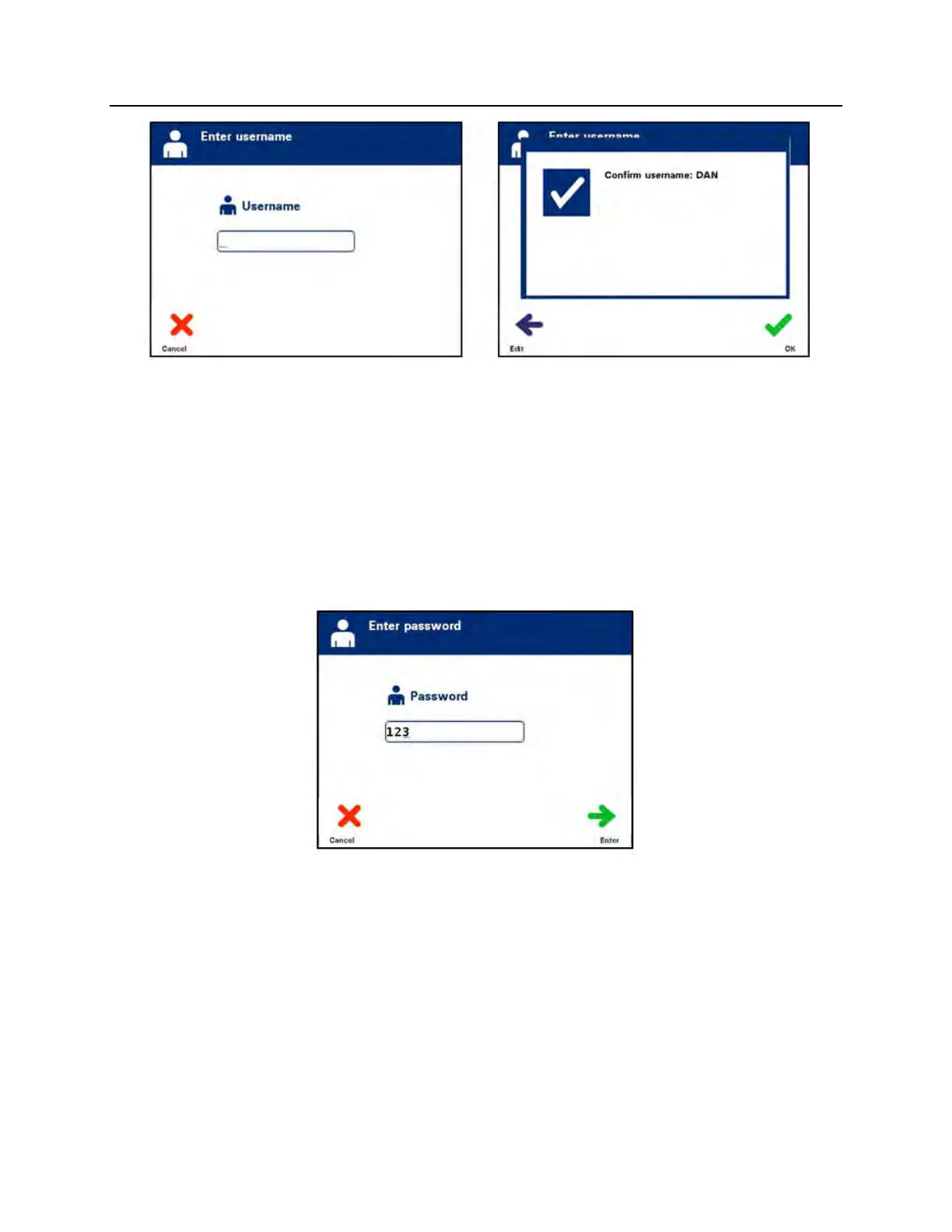
• Alternatively, you may scan your username via the barcode
scanner. If the barcode scanner is used, you will not need to
press ‘Enter’ and there will not be a confirmation screen.
• The ‘Enter password’ screen will appear. Use the keypad to
enter your password and press the ‘Enter’ button. A
confirmation screen will appear. If the password is correct,
press the ‘OK’ button. Alternatively, if allowed by your
institution, you may scan your password. If the barcode
scanner is used, you will not need to press ‘Enter’ and there
will not be a confirmation screen.



 To Next Page