Chapter 3 – Illuminator Description
Section 3.7 – Illuminator Settings
3-30
Label Printer
An illumination label will be printed after every treatment and must
be applied to the illumination containers before they are removed
from the illuminator.
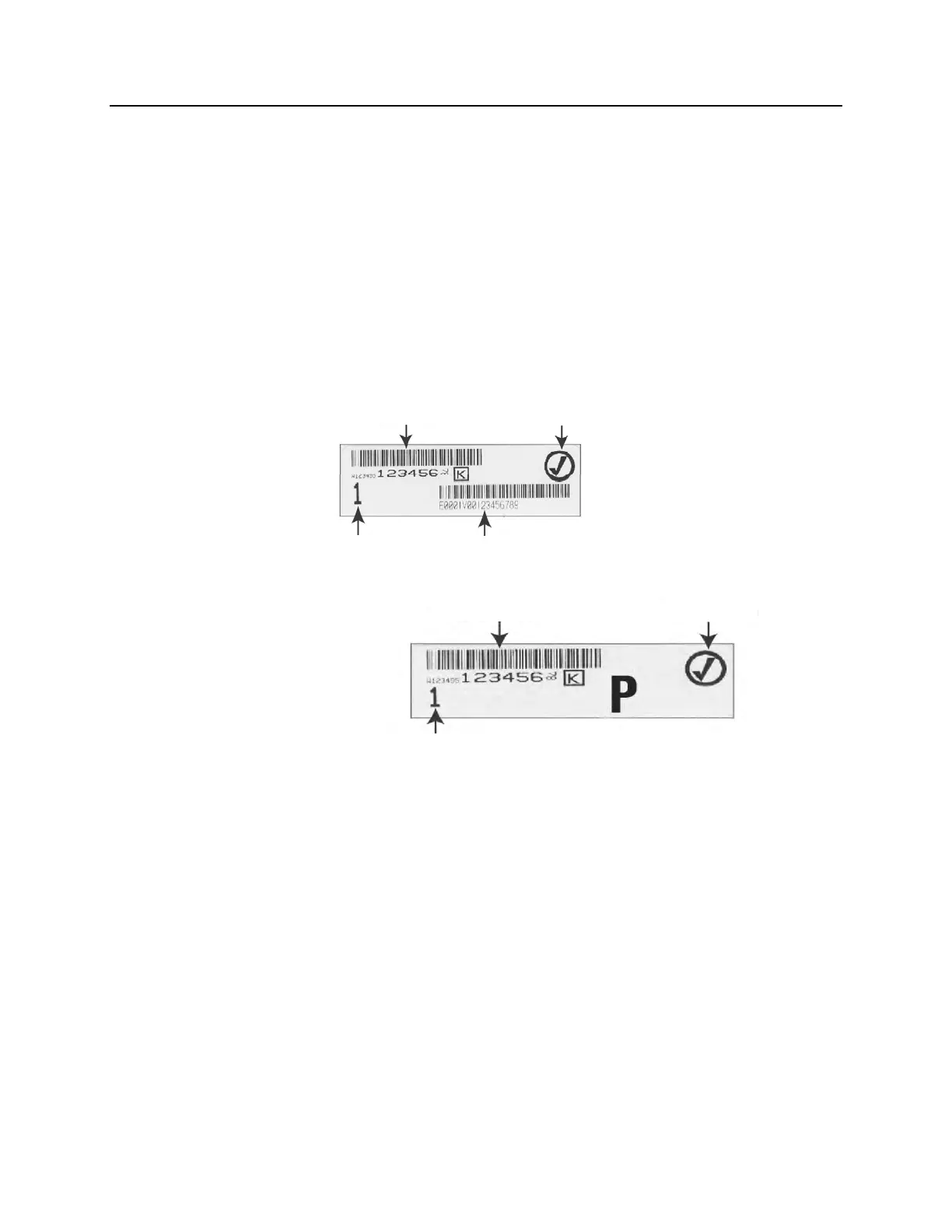
This label provides the following:
• Donation number
• Blood product code
• Status of illumination
• Illumination chamber number
Platelet Label Example
Plasma Label Example
The information on the labels will be printed in the same format it
was scanned, unless it was manually entered. If manually entered,
no barcode will be printed.
A specific number of labels may be configured to be printed every
time an illumination has finished. A maximum of 6 labels may be
printed. Setting the value to ‘0’ will turn the label printing feature
off. Only turn the label printing off if the label printer is out of
service/not functioning.
Illumination labels are not suitable for freezing and thawing.
NOTE:
When a large number of files are selected, there may be a delay
while the illuminator prepares the files.



 To Next Page