Chapter 4 – How to Use the Illuminator
Section 4.8 – Unload the Processing Set(s)
4-17
• The screen will start counting the elapsed number of minutes,
after the illumination has been completed.
• The agitator will continue shaking the containers for platelet
products but stop for plasma products.
• Approximately every 2 minutes the illuminator will make a
beep sound to remind you that the containers need to be
removed from the illuminator.
1. Press the ‘Unlock Door’ button and an information screen will
appear to confirm that label printing is occurring.
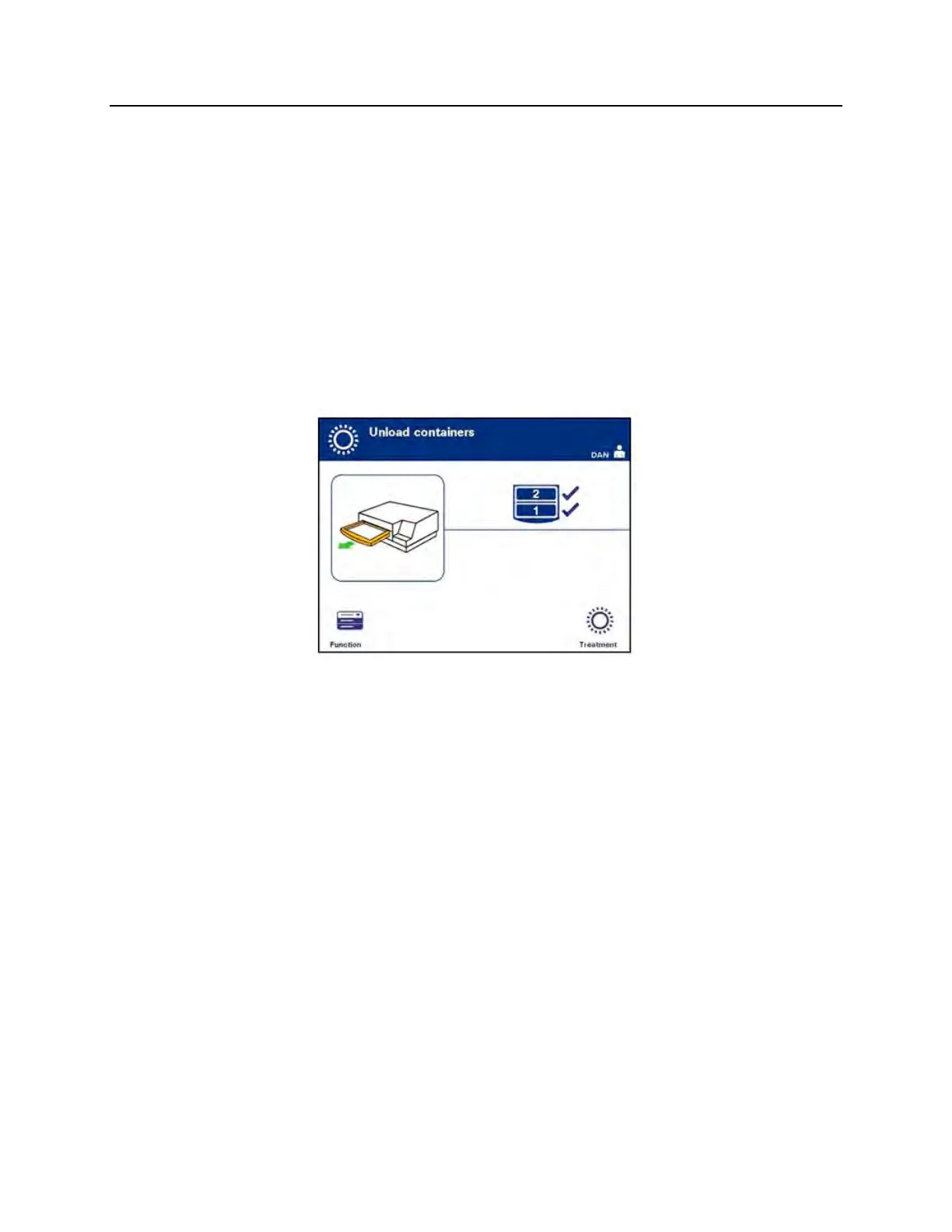
2. When the labels have printed, the door will unlock. The ‘Unload
containers’ screen will appear.
3. Open the front door of the illuminator.
4. Pull out the drawer and open the cover.
5. Check the screen for the treatment status symbol. Follow your
facility’s procedures for handling product(s) recorded as
Incomplete.
6. When the label has printed, place the appropriate label on
each illumination container and remove the container(s) from
the tray.
NOTE:
When placing the label on the illumination container, the label can
be matched to the correct product by the donation number and
by the chamber number located on the lower left corner of the
label.
This completes the illumination process.
NOTE:
If the status of the treatment is unknown, review the treatment
report to verify the status. Refer to Section 4.9 for printing treatment
reports.



 To Next Page