Chapter 3 – Illuminator Description
Section 3.4 – Front Panel Description
3-8
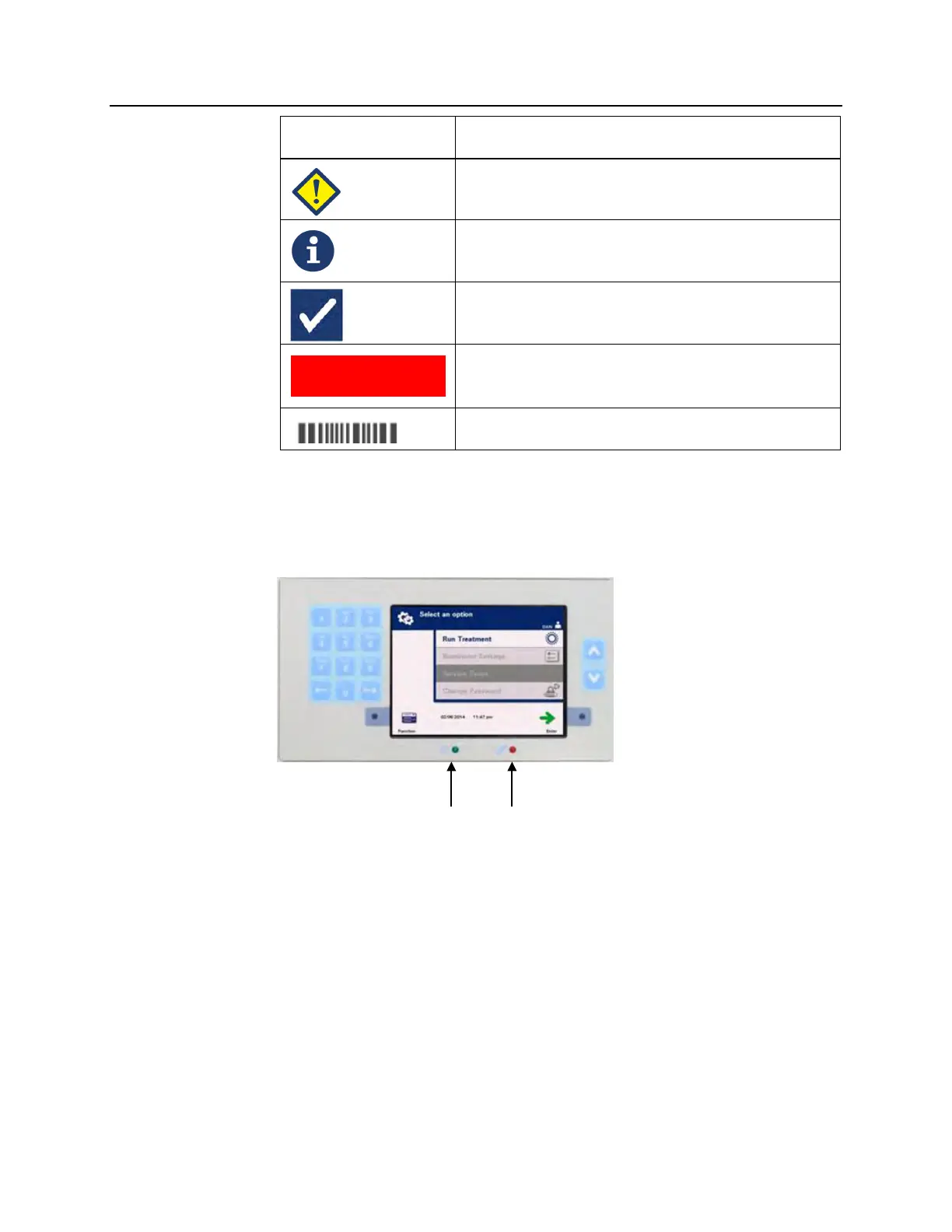
Screen Symbols Type of Message
Error
Information
Confirmation
System Issue
Barcode symbols
Status Lights
The status lights refer to the small round lights on the front panel of
the illuminator.
• (Left hand light) This light is green when the power is on.
• (Right hand light) When the amber service light comes on,
attention to the illuminator is needed.
Red Screen



 To Next Page