Chapter 3 – Illuminator Description
Section 3.7 – Illuminator Settings
3-40
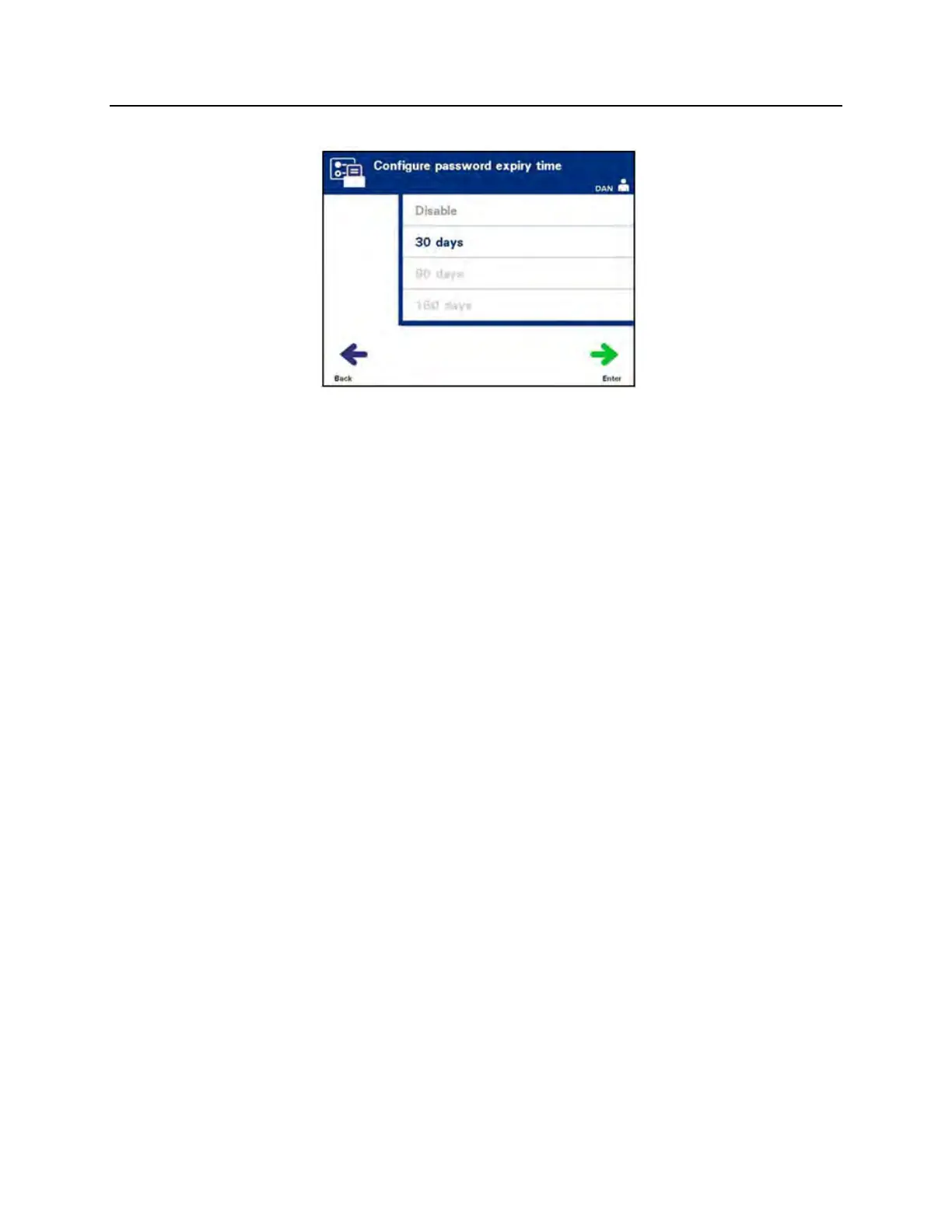
• The ‘Configure password expiry time’ screen will appear.
• Use the arrow buttons to choose ‘Disable,’ ‘30 days,’
’90 days,’ or ‘180 days’. Press the ‘Enter’ button to choose
one of the options.
• The ‘Confirm password expiry time’ pop-up window will
appear. If the expiry time is incorrect, press the ‘Edit’ button
and correct it.
• If the expiry time is correct, press the ‘OK’ button to confirm
the expiry time.
Export Data
Use to export treatment and service data to a host computer.
NOTE:
Data should be periodically exported to prevent data loss.
Export Data options are:
• Export All Treatments
• Export Treatments in Date Range
• Export All Service Data
• Export Service Data in Date Range



 To Next Page